
Gemini on Apple CarPlay: how to use it (November 2026)
Google's Gemini now works on Apple CarPlay with hands-free Gemini Live. How to set it up, what you can ask, and who can use it.
Checked and updated 15 November 2026 at 03:55 UTC
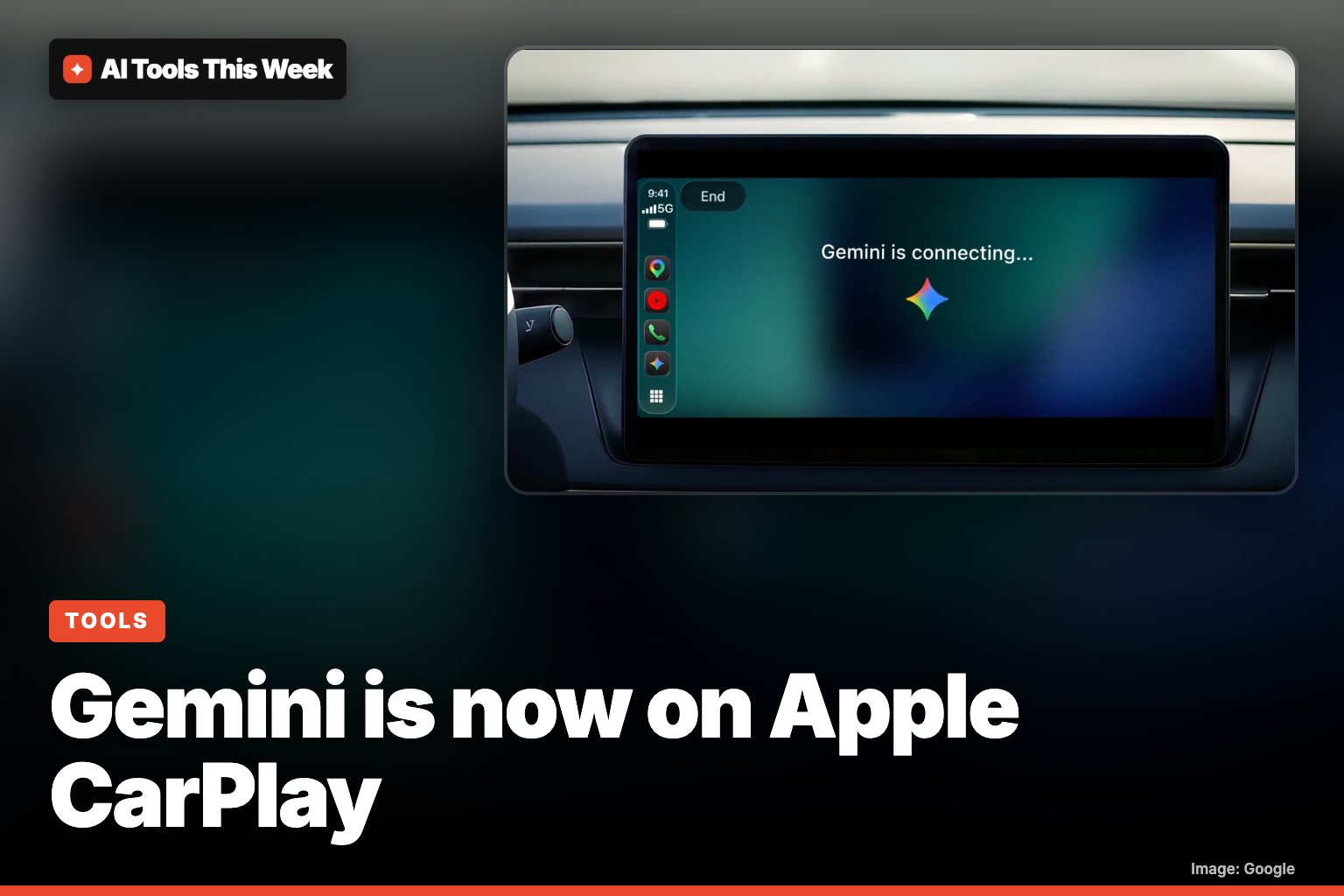
Key points
- Gemini now runs on Apple CarPlay. Tap the Gemini icon on your car's screen to talk hands-free with Gemini Live, then pick up the same chat later on your iPhone.
- Google says it's rolling out globally from November 11, 2026, to all Gemini users on iOS, in every language Gemini Live supports. You need the latest Gemini app and must have used Gemini Live on your phone once.
- With Gmail and Google Calendar connected, it can read out your day, give a daily brief, catch you up on unread email and dictate quick replies.
Google's Gemini assistant now works on Apple CarPlay: tap the Gemini icon on your car's display and you can talk to Gemini Live hands-free while you drive. Google announced it on November 11, 2026 and says it's rolling out globally to all Gemini users on iOS, in every language Gemini Live supports.
Until now, Gemini in the car was mainly an Android story: it came to Android Auto first and then to cars with Google built-in. CarPlay drivers with an iPhone are the new group here.
How to set up Gemini on CarPlay
- Update the Gemini app on your iPhone to the latest version.
- Allow microphone access for Gemini.
- Use Gemini Live on your phone at least once (the voice conversation mode).
- Connect your iPhone to your car with CarPlay as usual.
- Tap the Gemini icon on the CarPlay home screen or the side rail.
- Start a new conversation or pick up a recent one.
If you don't see the icon yet, it's likely still rolling out to you; Google didn't give an end date.
What you can do with it
Google's examples fall into four groups:
| What you want | Example you can say |
|---|---|
| Plan your day | "What does my day look like?" or "Help me prep for my 10am with the design team." |
| Catch up on email | "Catch me up on my unread emails and summarize Sarah's Q4 budget thread." |
| Find places | "What's a quick lunch spot in downtown Austin that's easy to get in and out of?" |
| Think out loud | "Let's roleplay my Q4 pitch: act as a skeptical VP and challenge my strategy." |
You can talk at your own pace, interrupt to add details, change the subject or pause. The calendar and email features need your Google Workspace apps (Gmail and Google Calendar) connected, and you can dictate quick replies by voice. Everything you say in the car syncs to your Gemini chat history on the iPhone, so you can finish a thought later at your desk.
Who can use it, and the limits
- iPhone users with CarPlay and the latest Gemini app. Google didn't list a minimum iOS version.
- Global rollout starting November 11, in all Gemini Live languages.
- Daily Brief must be switched on first, and personal features like it aren't available to users under 18 or in the EEA and Nigeria.
- Google doesn't mention a subscription for the CarPlay feature: it says "all Gemini users on iOS."
What it means for you
If you drive with an iPhone, you now get the same kind of chatty, hands-free AI that Android drivers have had, without switching phones. It's most useful for the dead time in a commute: hearing your schedule, clearing email, or rehearsing a meeting. As with any in-car assistant, keep it to voice and keep your eyes on the road.
Apple is also adding smarter AI to its own devices; see our piece on Siri AI on Apple TV. For another way Gemini can help day to day, read our guide to Gemini's memory summary.
AI Tools This Week is not affiliated with Google or Apple.
Frequently asked questions
How do I get Gemini on Apple CarPlay?
Update the Gemini app on your iPhone, allow microphone access, and use Gemini Live on the phone at least once. Then connect your iPhone to your car and tap the Gemini icon on the CarPlay screen or side rail.
Is Gemini on CarPlay free?
Google says it's rolling out to all Gemini users on iOS and doesn't mention a paid plan for the CarPlay feature itself. Some connected features, like Daily Brief, aren't available to under-18s or in the EEA and Nigeria.
Does Gemini replace Siri on CarPlay?
Google's announcement describes Gemini as an app you open from the CarPlay screen. It doesn't say it replaces Siri as the car's built-in assistant.
Sources
Related
Google Assistant and Nest app shutdown: Jan 25 and Aug 2, 2027 dates
Google retires the Nest app on Jan 25, 2027 and removes Google Assistant from speakers and displays on Aug 2, 2027. What to do and what Gemini costs.
Gemini computer use on Mac: what it does and who gets it
Gemini for Mac can now click, type and fill forms in your apps in a background window. US English only, Apple Silicon, AI Plus, Pro or Ultra plan.
Genie 4: Google's AI world maker, who can use it and is it free
Genie 4 rolled out on Nov 18, 2026 in Project Genie, but only for Google AI Ultra subscribers. AI Pro users can join a waitlist. What it does, how to try it.
Mentioned in
- How to change Gemini's voice: 66 new regional voices (Nov 2026)
- Ask Maps new features (Nov 2026): appointments, trips, Europe
- Samsung Intelligent Eyewear (2026): price, release date, phones
- Apple Health AI Study app: who can join and how it works
- Gemini on Android Auto: 5 privacy settings to check first