
Genie 4: Google's AI world maker, who can use it and is it free
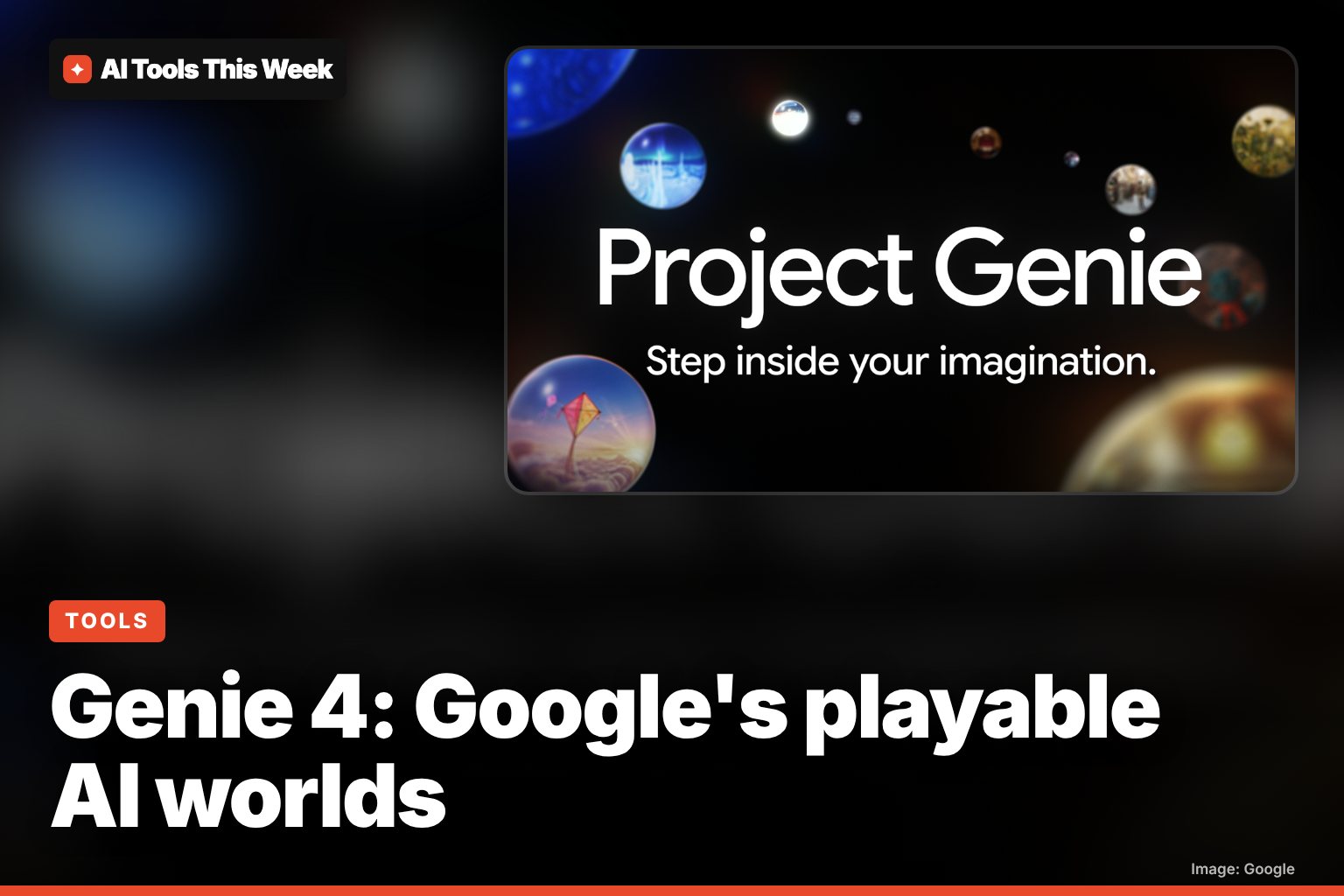
Genie 4 rolled out on Nov 18, 2026 in Project Genie, but only for Google AI Ultra subscribers. AI Pro users can join a waitlist. What it does, how to try it.
Checked and updated 18 November 2026 at 21:20 UTC
Key points
- Google started rolling out Genie 4, its new "world model" that turns a text prompt into an explorable 3D-style world with sound, on November 18, 2026.
- It is not free. It is in Project Genie for eligible Google AI Ultra subscribers; Google AI Pro members can join a waitlist on the same page.
- New this time - edit the world mid-session by typing, native audio and character dialogue, a Project Genie agent that builds worlds from a conversation, and a gallery to share and remix worlds.
Genie 4 is Google DeepMind's new AI "world model": you type a prompt and it builds a world you can walk or fly through with your keyboard, now with sound and talking characters. It rolled out on November 18, 2026, but only to eligible Google AI Ultra subscribers in Project Genie; Google AI Pro members can join a waitlist.
There is no free way to use it yet.
What Genie 4 does
A world model is different from a video generator: instead of a fixed clip, it keeps generating the scene in real time as you move around. Google says Genie 4 is its "most realistic and interactive world model yet". In Google's announcement:
- Change the world while you're in it. Type a new prompt mid-session to change the weather, drop in a character or redirect the action.
- Native audio. For the first time, the world comes with sound generated alongside it, from wind and waves to character dialogue. DeepMind says characters can talk and react to what you do in real time.
- Better physics and people. DeepMind's research post highlights more natural movement of people and physics like collisions and aerodynamics.
- Gemini inside. DeepMind says Genie 4 builds on the Gemini family: Gemini Omni keeps the look and behaviour realistic, and other Gemini models keep the story coherent and steer the scene between your inputs.
What else is new in Project Genie
Project Genie is the Google Labs website where you use these models. The November 18 update adds:
| Feature | What it does |
|---|---|
| Genie 4 | Highest-quality visuals, physics and native audio |
| Genie 3 upgrades | Up to 3 minutes per generation (was 60 seconds), linking worlds into a longer journey, seeding worlds from 360-degree panorama photos, prompt-driven events |
| Project Genie agent | Describe your idea in a conversation; it creates the look and a matching background score, and Gemini can suggest where to go next |
| Community gallery | Explore curated worlds (for example "Living Memory", which turns personal photos into spaces) and publish or remix your own |
Google says all video and audio made in Project Genie carries an invisible SynthID watermark, and that inputs and outputs go through safety checks. It also admits the models still struggle with camera lag, complex physical interactions, precise real-time audio and keeping scenes consistent over long sessions.
Who can use it, and what it costs
- Google AI Ultra: eligible subscribers can use the new Project Genie with Genie 4 from today. Google's plans page notes Project Genie is "only available with a Google AI Ultra 20x plan" and is offered in more than 140 countries.
- Google AI Pro: waitlist only, on the Project Genie page.
- Free Google accounts: no access. For Google AI that you can use without paying, see our free AI tools list and is Gemini free?.
- Developers: DeepMind says early-access partners of the Gemini API and Google AI Studio are also getting access, but there is no public API price yet.
How to try it
- Go to labs.google/projectgenie and sign in with your Google AI Ultra account.
- Start from a text prompt, an image, or a world from the gallery.
- Pick Genie 4 in the model picker (or Genie 3 if you want longer runs or a panorama).
- Move with your keyboard, and type a new prompt at any point to change the scene.
- Publish your world to the gallery if you want others to explore or remix it.
If you are on AI Pro, use the same page to join the waitlist. For more on Google's other new AI features this month, see Gemini 4 Carbon and Google Tabletop.
Frequently asked questions
Is Genie 4 free?
No. Google says the new Project Genie experience with Genie 4 is for eligible Google AI Ultra subscribers. Google AI Pro members can join the waitlist, and there is no free option yet.
How do I try Genie 4?
Go to labs.google/projectgenie with a Google AI Ultra account, start a world from a prompt or a gallery world, and pick Genie 4 in the model picker. Google's plans page says Project Genie is available in more than 140 countries.
What is the difference between Genie 3 and Genie 4?
Google says Genie 4 has its most realistic visuals, physics and the first native audio, including spoken dialogue. Genie 3 stays in the model picker for longer runs, now up to 3 minutes per generation, and for worlds seeded from 360-degree panorama photos.
Sources
Related
Google Assistant and Nest app shutdown: Jan 25 and Aug 2, 2027 dates
Google retires the Nest app on Jan 25, 2027 and removes Google Assistant from speakers and displays on Aug 2, 2027. What to do and what Gemini costs.
Gemini computer use on Mac: what it does and who gets it
Gemini for Mac can now click, type and fill forms in your apps in a background window. US English only, Apple Silicon, AI Plus, Pro or Ultra plan.
Gemini Live on Google Home speakers: faster upgrade, $10/month
A faster Gemini Live is coming to Google Home speakers and displays, with timers and smart home control mid-chat. It needs Home Premium ($10/month).