
Google Assistant and Nest app shutdown: Jan 25 and Aug 2, 2027 dates
Google retires the Nest app on Jan 25, 2027 and removes Google Assistant from speakers and displays on Aug 2, 2027. What to do and what Gemini costs.
Checked and updated 21 November 2026 at 03:20 UTC
Key points
- The Nest app (Android, iOS, TV and home.nest.com) retires on January 25, 2027. Nest devices and camera history move to the Google Home app automatically from that date.
- Google Assistant will be removed on August 2, 2027 from Google speakers and smart displays that haven't switched to Gemini for Home. The basic Gemini for Home assistant is free.
- If you still sign in with an old Nest account, migrate it to a Google Account before March 25, 2027, when Google starts deleting unmigrated accounts and their data.
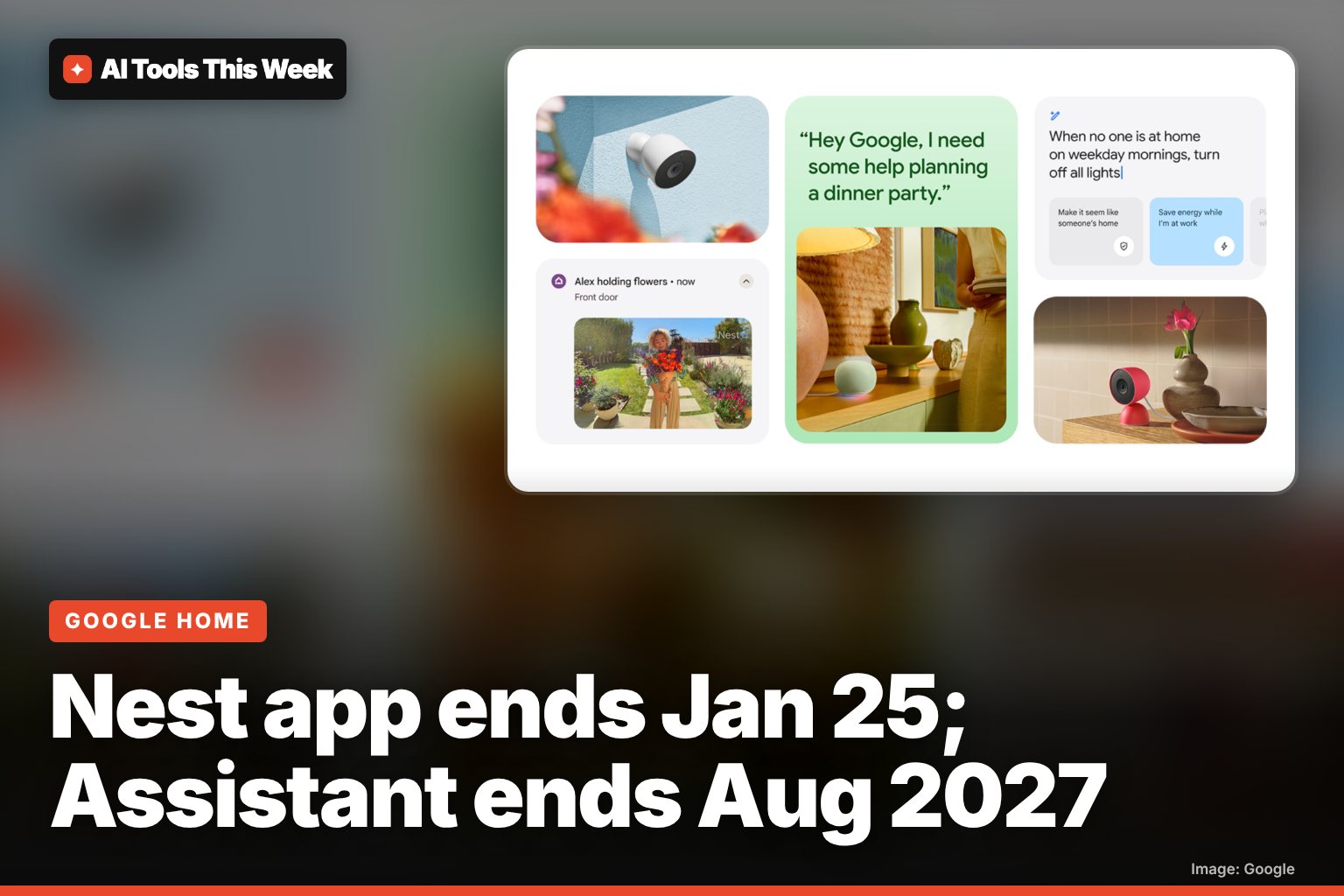
Google is retiring the Nest app on January 25, 2027 and will remove Google Assistant from its smart speakers and displays on August 2, 2027. Your Nest devices keep working: they move to the Google Home app, and Assistant is replaced by Gemini for Home, whose basic version is free.
Google announced the timeline on November 20, 2026. Here are the dates, what happens to your devices and what you should do now.
The key dates
| Date | What happens |
|---|---|
| Now | You can move Nest devices to Google Home and switch speakers to Gemini for Home early |
| January 25, 2027 | Nest app retires on Android, iOS, TV and the web (home.nest.com). Devices and video history start moving to Google Home automatically |
| March 25, 2027 | Last day to migrate an old Nest account to a Google Account. After this, Google starts deleting unmigrated accounts, data and subscriptions |
| August 2, 2027 | Google Assistant removed from speakers and displays that haven't switched to Gemini |
What to do before January 25
- Install the Google Home app from the Play Store or App Store.
- Check your account. If you started using Nest after August 19, 2019, you already use a Google Account. If you sign in with "Sign in with Nest" and a separate password, use Migrate to a Google Account in the Nest app settings.
- Download saved clips. Clips you saved on home.nest.com from older Nest cameras and doorbells do not transfer. Use the "Download All" button on home.nest.com.
Everything else moves by itself: thermostats, cameras, doorbells, smoke and CO alarms and locks, plus event and 24/7 video history. Nest Aware (1st gen) subscribers move to Google Home Premium Advanced at no extra cost from January 25.
Which Nest devices are supported
Google says no hardware loses support in this change. Supported devices include the Nest Learning Thermostat (3rd gen and 4th gen), Nest Thermostat E, Nest Thermostat (2020), Nest Temperature Sensors, Nest Cam IQ, the first wired Nest Cam Indoor and Outdoor, Nest Hello, Nest Hub Max's camera, all Nest cams and doorbells from 2021 on, Nest Protect (2nd gen, until its printed expiry date) and the Nest x Yale Lock.
What replaces Google Assistant
Gemini for Home is the new voice assistant on Google speakers and displays. Once a home switches, it can't go back to Google Assistant. To switch now, open the Google Home app, tap your profile picture, tap Home settings, and tap Get started on the Gemini for Home banner.
| Feature | Free | Home Premium |
|---|---|---|
| Smart home control, music, alarms and timers | Yes | Yes |
| Calendar, notes, lists and reminders | Yes | Yes |
| General questions and Continued Conversation | Yes | Yes |
| Gemini Live (back-and-forth chat) | No | Standard and Advanced |
| Search camera history, Home Brief | No | Advanced only |
The full assistant runs on the Google Home Speaker (2026), Nest Hub (1st and 2nd gen), Nest Hub Max, Nest Audio, Nest Mini (2nd gen) and Home Mini (1st gen). The original Google Home, Home Max, Nest Wifi points and third-party speakers get most features but not Gemini Live. Speakers need Cast firmware 3.76 or later; displays need Fuchsia firmware 28 or later.
Gemini for Home is in early access in the US, Canada, the UK, Australia and much of Europe, among others, with Brazil, India, South Korea, Singapore, Taiwan and Colombia listed for December.
For the faster Gemini Live coming to speakers and its $10 a month price, see our Gemini Live on Google Home explainer. If you are wondering what you get for free elsewhere, read is Gemini free?.
AI Tools This Week is not affiliated with Google.
Frequently asked questions
When is Google Assistant going away on Nest speakers?
Google says Google Assistant will be removed from smart speakers and displays that haven't moved to Gemini for Home on August 2, 2027. You can switch earlier in the Google Home app under Home settings.
Do I have to pay for Gemini for Home?
No for the basics. Google's help page says smart home control, music, alarms, timers, calendars, lists, reminders and general questions are free. Gemini Live and camera search need a Google Home Premium subscription.
Will my Nest thermostat or camera stop working?
No. Google says only the Nest app is retiring, not the hardware. Supported devices, such as the 3rd and 4th gen Nest Learning Thermostat, Nest Protect (2nd gen) and Nest cams, keep working in the Google Home app.
Sources
- Nest app transition to the Google Home app (Google Home and Nest Help)
- Learn about Gemini for Home voice assistant (Google Home and Nest Help)
- Google Officially Killing Off Nest App and Google Assistant on Home Devices (Droid Life, Nov 20, 2026)
- Google will shut down the Nest app in January 2027 (Android Authority, Nov 20, 2026)
Related
Gemini computer use on Mac: what it does and who gets it
Gemini for Mac can now click, type and fill forms in your apps in a background window. US English only, Apple Silicon, AI Plus, Pro or Ultra plan.
Genie 4: Google's AI world maker, who can use it and is it free
Genie 4 rolled out on Nov 18, 2026 in Project Genie, but only for Google AI Ultra subscribers. AI Pro users can join a waitlist. What it does, how to try it.
Gemini Live on Google Home speakers: faster upgrade, $10/month
A faster Gemini Live is coming to Google Home speakers and displays, with timers and smart home control mid-chat. It needs Home Premium ($10/month).