
How to change Gemini's voice: 66 new regional voices (Nov 2026)
The Gemini app adds 66 regional voices in 7 languages, from UK English to Hindi and Korean. Where to find the setting and what the voice changes.
Checked and updated 17 November 2026 at 15:45 UTC
Key points
- Google is rolling out 66 new regional voices in the Gemini app on Android and iOS from November 16, 2026.
- They cover US English, UK English, India English, Hindi, Brazilian Portuguese, Indonesian and Korean, with several voices for each.
- Pick one from the three-dot menu in Gemini Live or in Gemini's voice setting. The voice is used in Gemini Live, language practice and when Gemini reads replies aloud.
You can now give Gemini a voice that sounds like where you're from: Google is rolling out 66 new regional voices in the Gemini app on Android and iOS, and you choose one from the three-dot menu in Gemini Live or from Gemini's voice setting. The rollout began on November 16, 2026, and covers seven languages and variants.
Google first said at its I/O conference that it wanted to bring local dialects to Gemini. This is that feature arriving in the app.
Which voices are new
| Language | New regional options |
|---|---|
| English (US) | Yes |
| English (UK) | Yes |
| English (India) | Yes |
| Hindi | Yes |
| Portuguese (Brazil) | Yes |
| Indonesian | Yes |
| Korean | Yes |
That adds up to 66 voices across the seven, with "tailored options" for each. Google hasn't published a per-language count. It says the voices copy local rhythm, pitch and inflection but aim for everyday clarity, not a heavy accent.
How to change Gemini's voice
From Gemini Live (fastest):
- Open the Gemini app and start Gemini Live (the voice chat).
- Tap the three-dot menu.
- Preview the voices and tap the one you like.
From settings:
- Open the Gemini app's settings.
- Go to Gemini's voice.
- Preview and pick a voice.
The update is rolling out, so if you don't see the new names yet, update the app and check again over the next days.
Where the voice is used
Your choice applies across the whole app, not only in Live:
- Gemini Live conversations, when you talk things through out loud.
- Language practice, so a learner can hear, for example, Brazilian rather than European Portuguese.
- The Listen icon in chat, which reads a long answer aloud.
One limit to know: Gemini Live itself can't use Gems or Notebooks during a voice session, Google's Live page says, so close the voice screen for those.
Does it cost anything?
Google's announcement doesn't mention a price or a subscription for the voices. The Gemini app has a free $0 plan, and Google's Gemini Live page says paid plans (and the free year of Pro for college students) give more access to Gemini Live.
More Gemini how-tos
If you use Gemini by voice in the car, see Gemini on Apple CarPlay. For studying out loud, try Gemini Guided Learning. And today Gemini Notebook also learned to build interactive sites.
Frequently asked questions
How do I change the voice in Gemini?
In the Gemini app on Android or iOS, start Gemini Live and tap the three-dot menu, or open the app's settings and go to Gemini's voice. Preview the options and pick one. The choice applies across the app.
Which languages have the new Gemini regional voices?
US English, UK English, India English, Hindi, Brazilian Portuguese, Indonesian and Korean, 66 voices in total, according to Google.
Do the new voices have strong accents?
Google says they are tuned for natural rhythm and everyday clarity rather than exaggerated accents, so they sound local without being a caricature.
Sources
Related

How to make GIFs in Gemini (November 2026): steps and limits
Gemini now makes ~3-second looping GIFs from a prompt, photo or video with Omni 1.2 Flash. Steps, the 8 countries, and whether you need a paid plan.
Is Gemini free? What the free plan includes (November 2026)
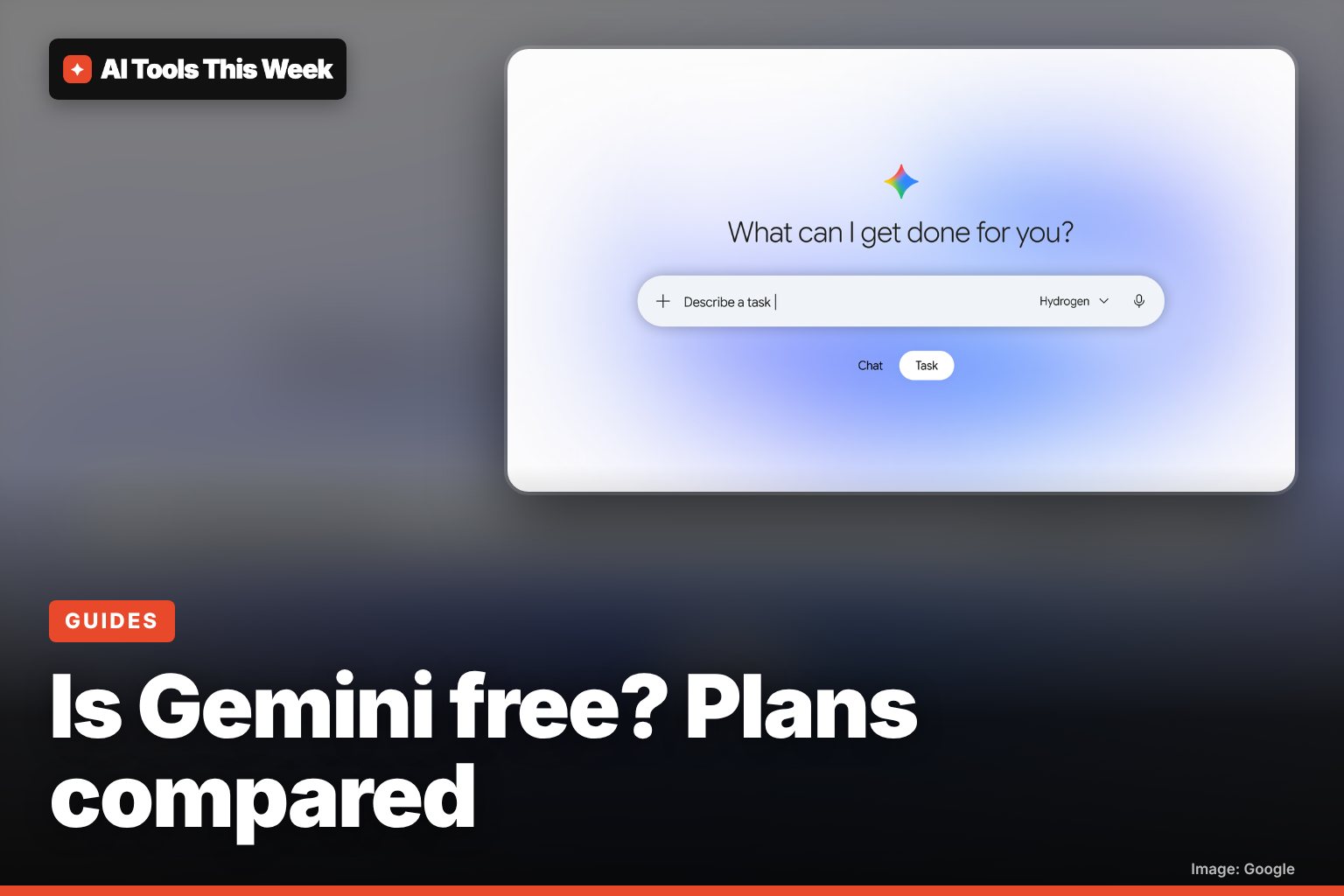
Yes: Gemini is free with a Google account, including Deep Research, Gemini Live, Tasks and 15 GB storage. Paid plans run $4.99, $19.99 and $99.99+ a month.
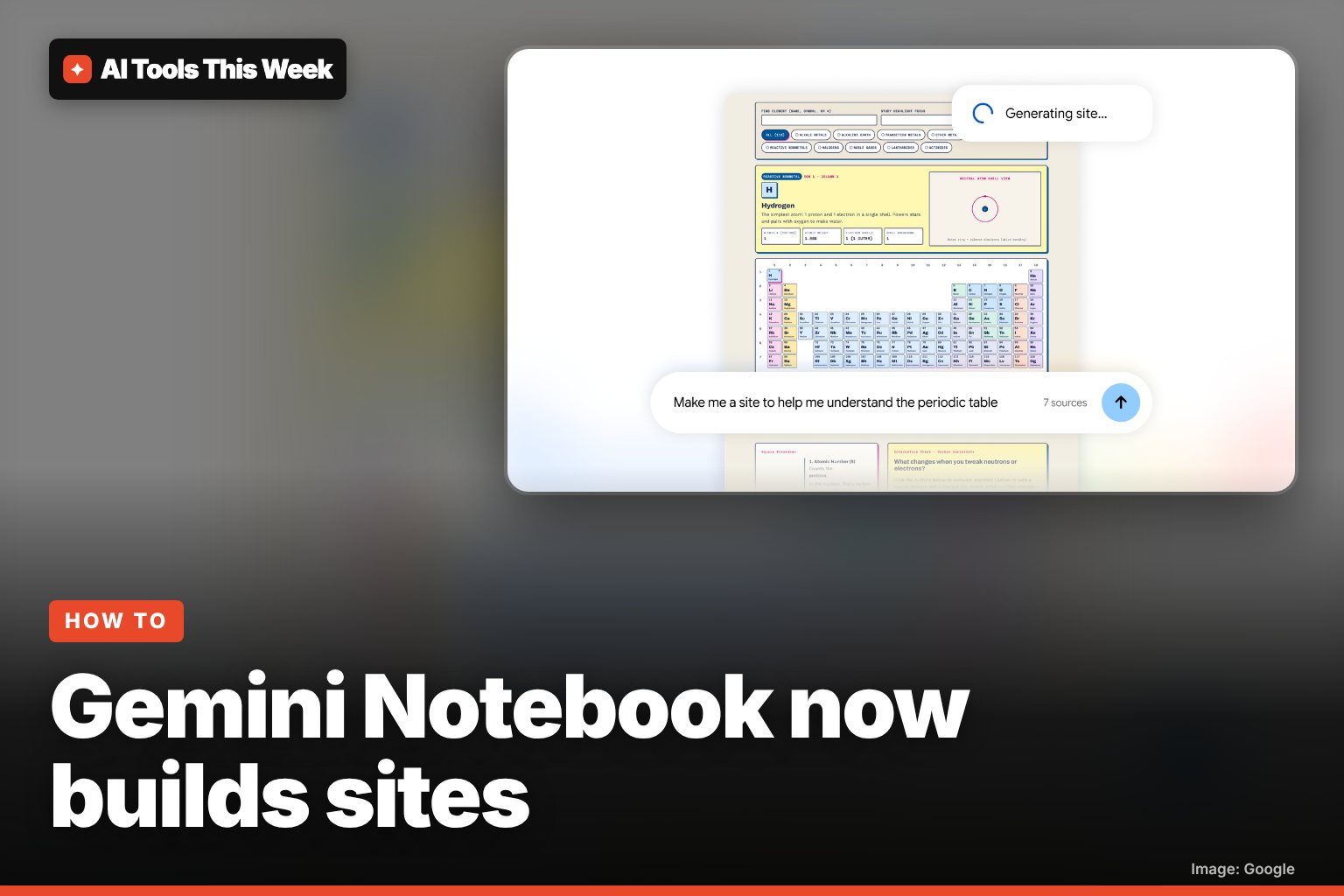
How to make an interactive site with Gemini Notebook (Nov 2026)
Gemini Notebook (formerly NotebookLM) now turns your sources into interactive sites. How to use "make me a site", who can get it, and prompt ideas.