
Spiik: what it is and is it free? (Nov 2026)
Spiik records meetings and lectures on iPhone and Mac with no bot joining the call. What's free, what Spiik Pro costs, and what to know first.
Checked and updated 15 November 2026 at 21:25 UTC
Key points
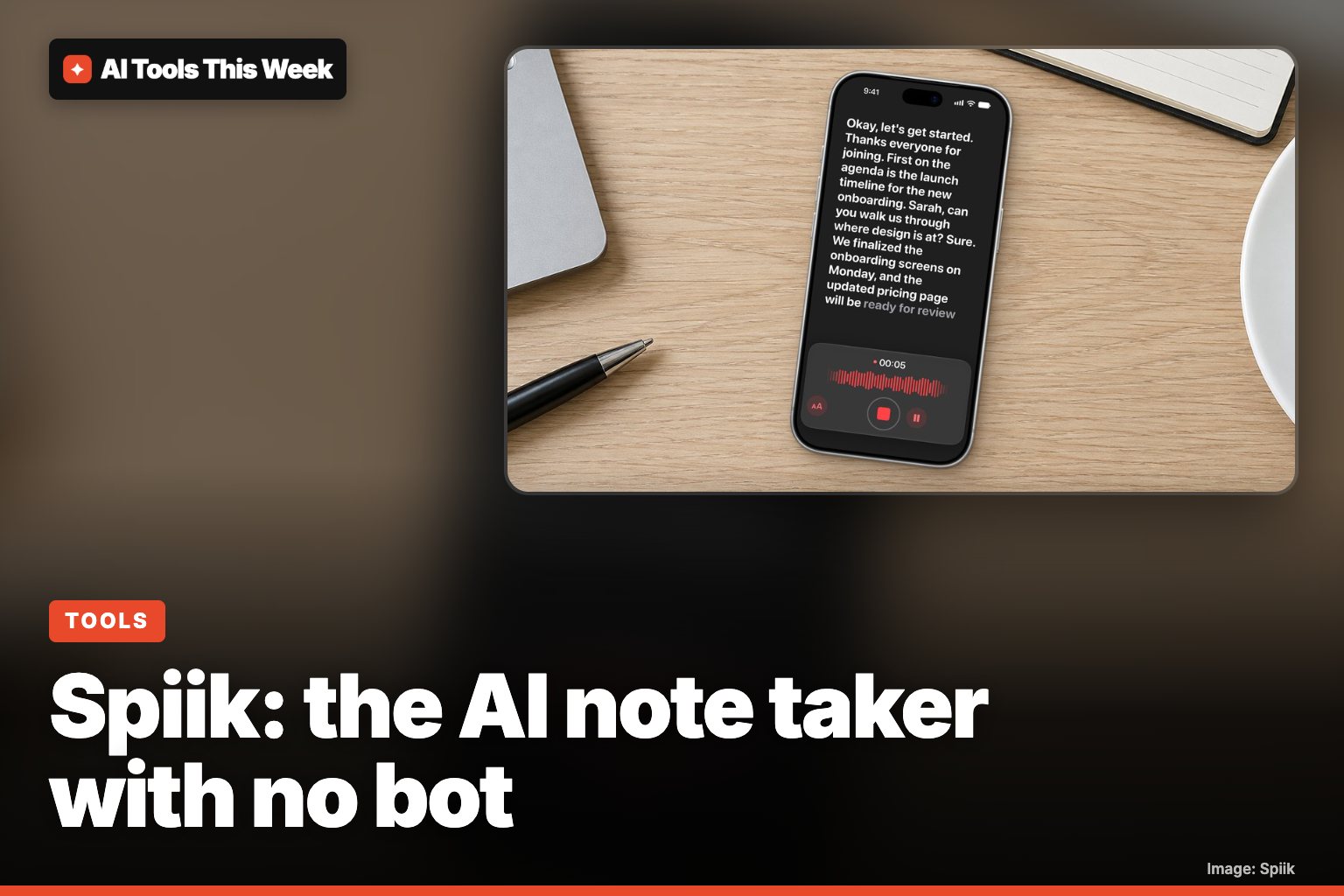
- Spiik is an AI voice recorder for iPhone, iPad and Mac that transcribes meetings, lectures and calls, labels speakers, and turns recordings into notes, quizzes and flashcards.
- On a Mac it records Zoom, Teams and Google Meet calls from your microphone and system audio, so no bot joins the meeting.
- Recording is free with no time limit, but full transcripts and the AI tools need Spiik Pro, listed at $9.99 a month or $59.99 a year in the US App Store.
Spiik is an AI voice recorder for iPhone, iPad and Mac that turns meetings, lectures and calls into transcripts, notes, quizzes and flashcards, and on a Mac it records Zoom, Teams and Google Meet without a bot joining the call. Recording is free with no time limit. The transcripts and AI tools need Spiik Pro, which the US App Store lists at $9.99 a month or $59.99 a year.
Spiik was on Product Hunt this weekend with the pitch "no bot on your calls", which hits a common annoyance: AI note takers that show up in a meeting as an extra attendee.
What Spiik does
From the Spiik website and its App Store listing:
- Records and transcribes. It writes a live transcript while you record, then runs the whole file through a higher-quality transcriber afterwards.
- Labels speakers. Rename "Speaker 1" once and the whole transcript updates. Tap any line to hear that moment.
- Makes study and work material. Notes, summaries, bullet points, highlights, FAQs, mind maps, quizzes and flashcards from one recording.
- Lets you chat with a recording. Ask a question and the answer comes from that transcript.
- Imports other audio. Files, videos from Photos, YouTube links, PDFs, and recordings shared from Voice Memos or WhatsApp.
- Speaks 100+ languages for transcription and translation.
- Exports text, PDF, SRT or VTT subtitles, or the audio.
How the "no bot" part works
Most meeting note takers send a bot into the call. Spiik's Mac app records your microphone plus your computer's system audio instead, so it hears Zoom, Teams or Google Meet without anyone new joining (App Store). On iPhone you simply record what's around you, like a lecture or an in-person meeting.
The flip side: nobody else in the call can see that you're recording. Recording laws differ by country and US state, and many need everyone's consent, so say so at the start.
Is Spiik free? Prices
| Plan | What you get | US price (App Store) |
|---|---|---|
| Free | Unlimited recording, saving and replay | $0 |
| Unlimited Transcription, 1 week | Transcription pass | $3.99 |
| Unlimited Transcription, 1 month | Transcription pass | $5.99 |
| Spiik Pro, monthly | Full transcripts, AI tools, iCloud sync | $9.99 |
| Spiik Pro, yearly | Same, billed yearly | $59.99 |
The App Store also lists other Spiik Pro prices ($12.99 to $49.99) without saying which plan each one is, so check the paywall in the app before you pay. Prices outside the US may differ.
What to know before you use it
- Apple only. iPhone and iPad need iOS/iPadOS 16.4 or later, and Mac needs macOS 13.3 or later. There's no Android or Windows version.
- Cloud processing. A developer reply on the App Store explains that transcription runs on their servers, which is why it isn't free. Spiik isn't an on-device-only tool (see on-device vs cloud AI for why that matters).
- Data. The App Store privacy label says purchase history, device ID and product interaction are linked to you and used for analytics, marketing and third-party advertising. Audio content is listed as "not linked to you." Read the privacy policy if you record sensitive meetings.
- Ratings. The US App Store shows 4.7 out of 5 from 773 ratings. The website says 4.5 from 20,000+ ratings, which likely counts every country's store.
- Who makes it. Fadel.io OU is the developer.
Who it's for
Students who record lectures and want quizzes and flashcards out of them will get the most from it. It's also handy for people on calls who don't want a bot in the room. If your team already uses Claude for meeting notes, compare it with Claude's meeting and whiteboard tools, and for no-cost picks see our free AI tools list.
AI Tools This Week is not affiliated with Spiik or Fadel.io.
Frequently asked questions
Is Spiik free?
Partly. The free app records, saves and replays audio with no time limit. Full transcripts, AI notes, summaries, quizzes, flashcards and iCloud sync need Spiik Pro, listed at $9.99 a month or $59.99 a year. There are also short "Unlimited Transcription" passes ($3.99 for a week, $5.99 for a month).
Does Spiik join my Zoom or Teams meeting?
No. On a Mac, Spiik captures your microphone and your computer's system audio, so nothing joins the call as a participant. That also means other people won't see a recorder in the attendee list, so tell them you're recording.
Does Spiik work on Android or Windows?
No. Its App Store listing covers iPhone, iPad, Mac, Apple Vision Pro and Apple Watch only. The website doesn't mention Android or Windows versions.
Sources
Related
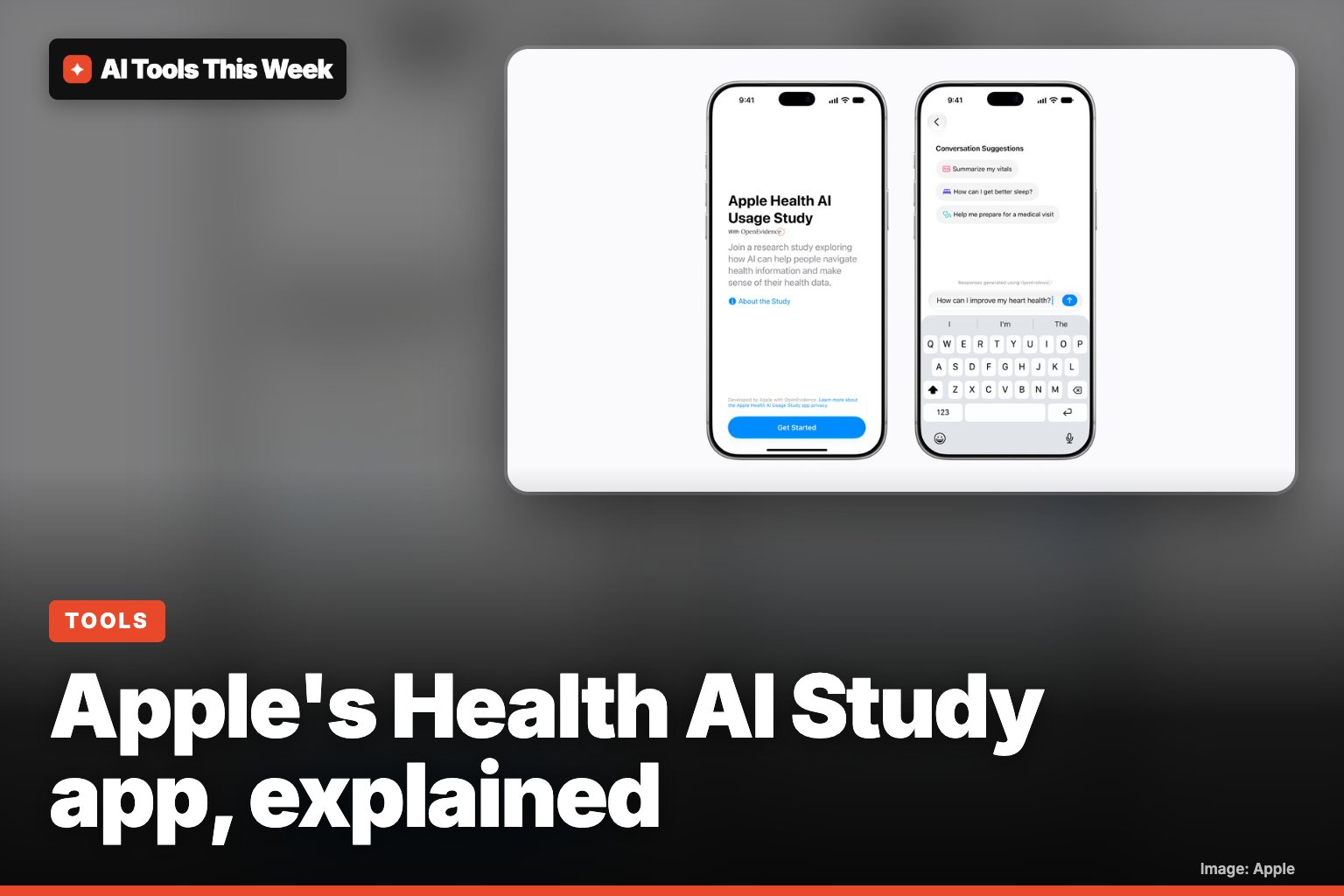
Apple Health AI Study app: who can join and how it works
Apple's new Health AI Usage Study app, built with OpenEvidence, answers health questions with citations. Who can join, what data it uses, and the privacy rules.
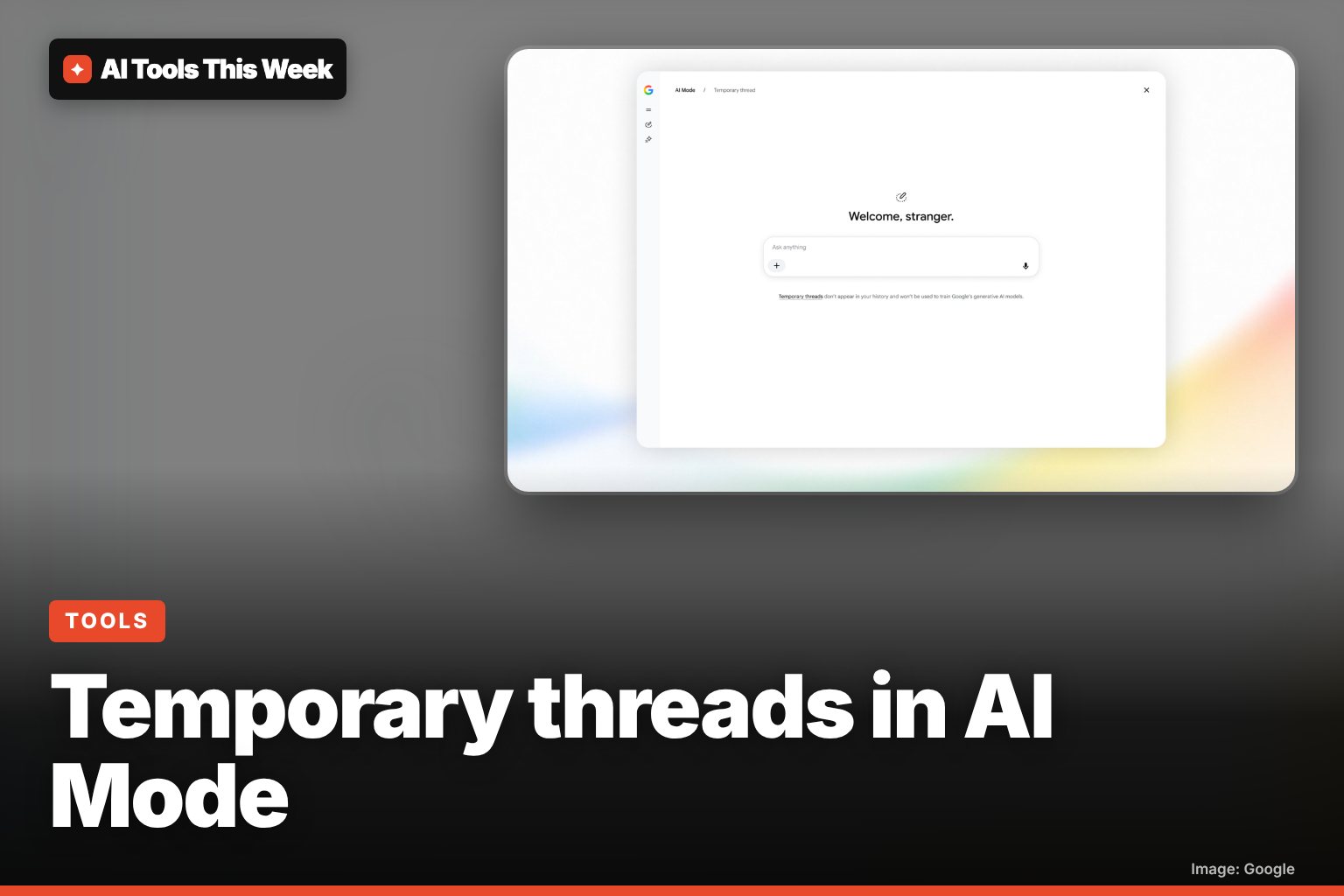
Google AI Mode temporary threads: how to search without history
Temporary threads in Google AI Mode aren't saved to your history or used for personalization. Start one from the top-right icon, on desktop or mobile.
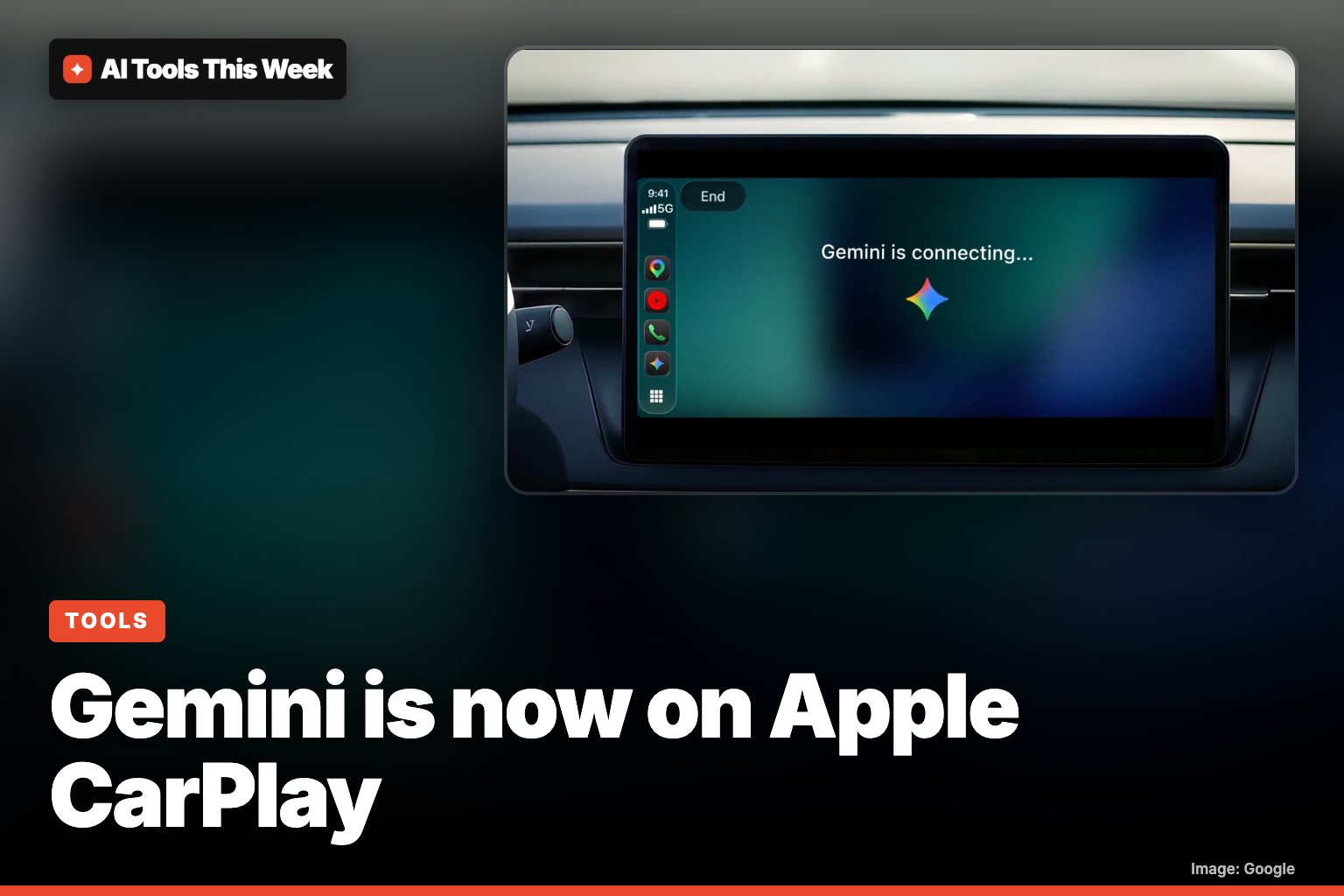
Gemini on Apple CarPlay: how to use it (November 2026)
Google's Gemini now works on Apple CarPlay with hands-free Gemini Live. How to set it up, what you can ask, and who can use it.