
Kandinsky ImageSR 2.0: free AI image upscaler, how to try it
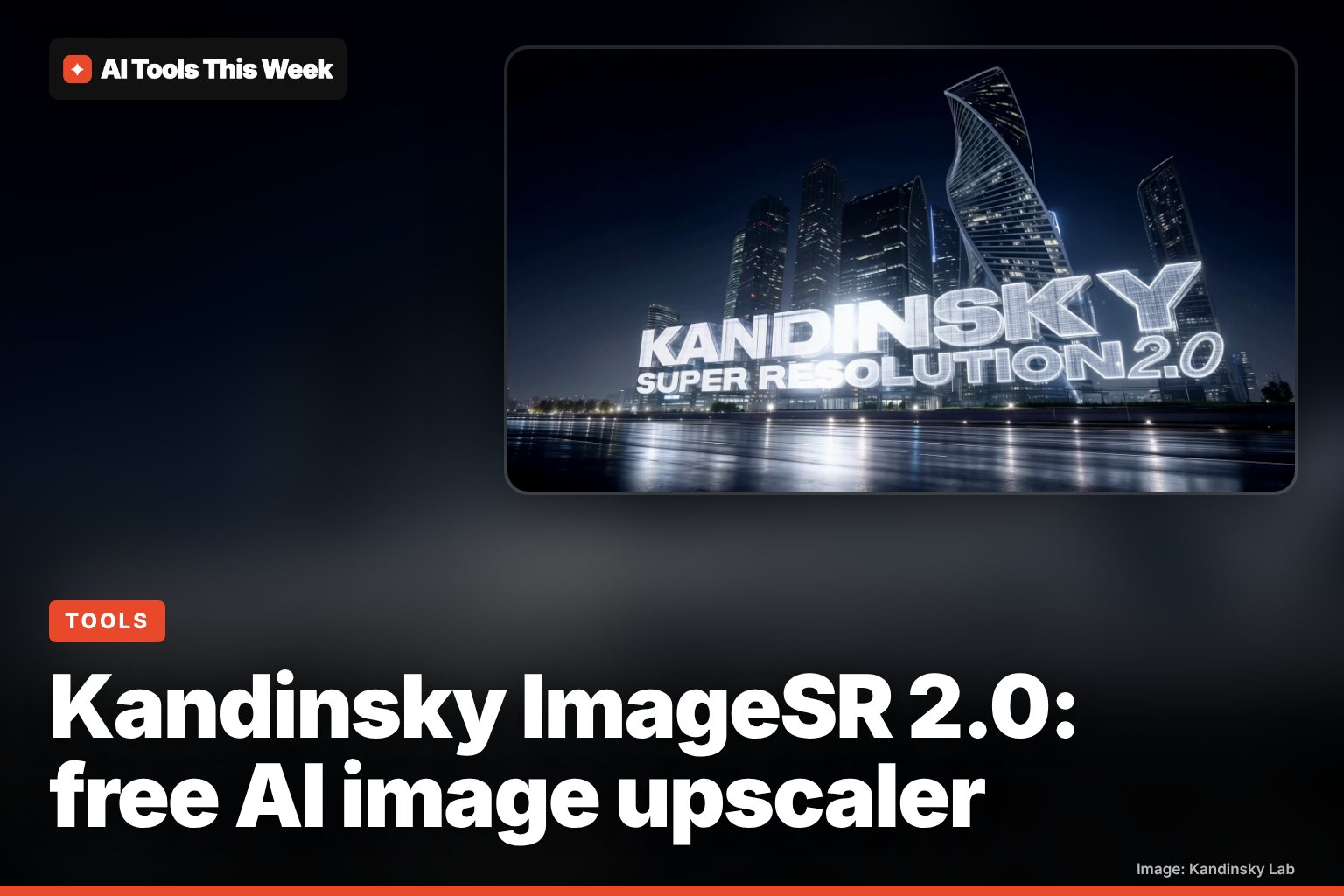
Kandinsky ImageSR 2.0 is a free, MIT-licensed AI upscaler that sharpens photos or enlarges them 2x or 4x. Try the free web demo or run it with ComfyUI.
Checked and updated 29 November 2026 at 03:40 UTC
Key points
- Kandinsky ImageSR 2.0 is a free, open AI model from Kandinsky Lab that enhances images at their original size or upscales them 2x or 4x.
- You can try it in a free Hugging Face web demo, or run it yourself in Python or ComfyUI. The model code is MIT-licensed.
- A 'creativity' setting from 0 to 8 controls how much new detail the AI invents. On a data-center H100 GPU, a 4x upscale of a 1024x1024 image takes about 4 to 8 seconds.
Kandinsky ImageSR 2.0 is a free AI image upscaler: it sharpens a picture at its original size or enlarges it 2x or 4x while adding realistic detail. Kandinsky Lab released it as an open model on Hugging Face in late November 2026, with a free web demo and an MIT license, and it is one of the fastest-rising models on Hugging Face this week.
What it does
"Super-resolution" models take a small or soft image and produce a sharper, bigger one. ImageSR 2.0 uses a single model for three jobs:
- x1 (enhance): cleans up and sharpens at the same size
- x2: doubles width and height
- x4: quadruples width and height (for example 2048x2048 to 8192x8192)
The key control is creativity, a number from 0 to 8 (default 4). Low values stay close to the original; high values let the AI invent more texture and detail. That matters, because every AI upscaler makes up detail that wasn't captured by the camera.
How to try it for free (no install)
- Open the Kandinsky ImageSR 2.0 demo on Hugging Face Spaces.
- Upload a PNG or JPG.
- Pick the scale (x1, x2 or x4) and leave creativity at 4 for a first try.
- Run it, then compare the result with your original at 100% zoom.
- If faces or text look "off", run it again with lower creativity.
The demo is free, but public Spaces can have a queue when lots of people use them. Don't upload private photos you wouldn't want on a third-party server.
Running it yourself
If you have an Nvidia GPU, you can run it locally:
- Python: install PyTorch for your CUDA version, then the
kandinsky-image-srpackage from Kandinsky Lab's GitHub. It works with Hugging Face Diffusers 0.41 or newer. - ComfyUI: the GitHub repo includes ComfyUI nodes, so it slots into existing image workflows.
- Smaller download: a GGUF Q8_0 version is available.
The main model file is 7.39 GB. Kandinsky Lab's speed tests on a data-center H100 GPU, with a 1024x1024 input:
| Scale | Standard | Optimized (compiled) |
|---|---|---|
| x1 | 0.33 s | 0.17 s |
| x2 | 2.86 s | 1.46 s |
| x4 | 7.96 s | 4.04 s |
The optimized 4x run used about 9.35 GB of video memory, so a home GPU with 12 GB or more is a sensible minimum. Expect it to be slower than these figures on consumer hardware.
License and who makes it
The model and pipeline are MIT-licensed, which allows commercial use; the image decoder bundled with it comes from Black Forest Labs' FLUX.1-schnell under Apache-2.0. Kandinsky Lab is the team behind the Kandinsky image and video generators, whose official site is in Russian.
How it fits with other free AI image tools
Upscalers pair well with image generators: make a picture with a model like FLUX.3 Klein or Nvidia's Nemotron Labs Image, then upscale the one you like. If you'd rather keep everything on your own machine, our guide to on-device vs cloud AI explains the trade-offs.
AI Tools This Week is not affiliated with Kandinsky Lab or Hugging Face.
Frequently asked questions
Is Kandinsky ImageSR 2.0 free?
Yes. The model is free to download under the MIT license (the bundled image decoder is Apache-2.0 from FLUX.1-schnell), and Kandinsky Lab runs a free demo on Hugging Face Spaces. Free Spaces can queue or slow down when busy.
Can I run Kandinsky ImageSR 2.0 on my own PC?
Only with a capable Nvidia GPU. The main model file is 7.39 GB, and Kandinsky Lab's 4x test peaked at about 9.35 GB of video memory, so plan for a card with 12 GB or more. There is also a GGUF Q8_0 version and a ComfyUI integration.
Will an AI upscaler change my photo?
It can. Upscalers invent detail that wasn't in the original. Kandinsky's creativity setting (default 4) lets you turn that down for faithful results or up for sharper but less accurate detail. Avoid high settings for faces, documents or anything that must stay accurate.
Sources
Related
What is Magnitude? Free app that runs big AI models on your PC
Magnitude is a free, open-source (Apache 2.0) app that runs 66–249 GB AI models on normal PCs and Macs by streaming parts from your SSD. Speeds and setup.
What is OCRia-nano-1, and is it free? LlamaIndex's CPU OCR
OCRia-nano-1 is an 8.1M-parameter LlamaIndex OCR model that turns PDFs into Markdown on a CPU. Free for personal use; big firms need a licence.

What is claude-mem, and is it free? Memory for AI agents
Claude-mem is a free, open-source (Apache 2.0) memory plugin for Claude Code and other agents. Cloud Sync is optional: 30 days free, then $12/month.