
What is OCRia-nano-1, and is it free? LlamaIndex's CPU OCR
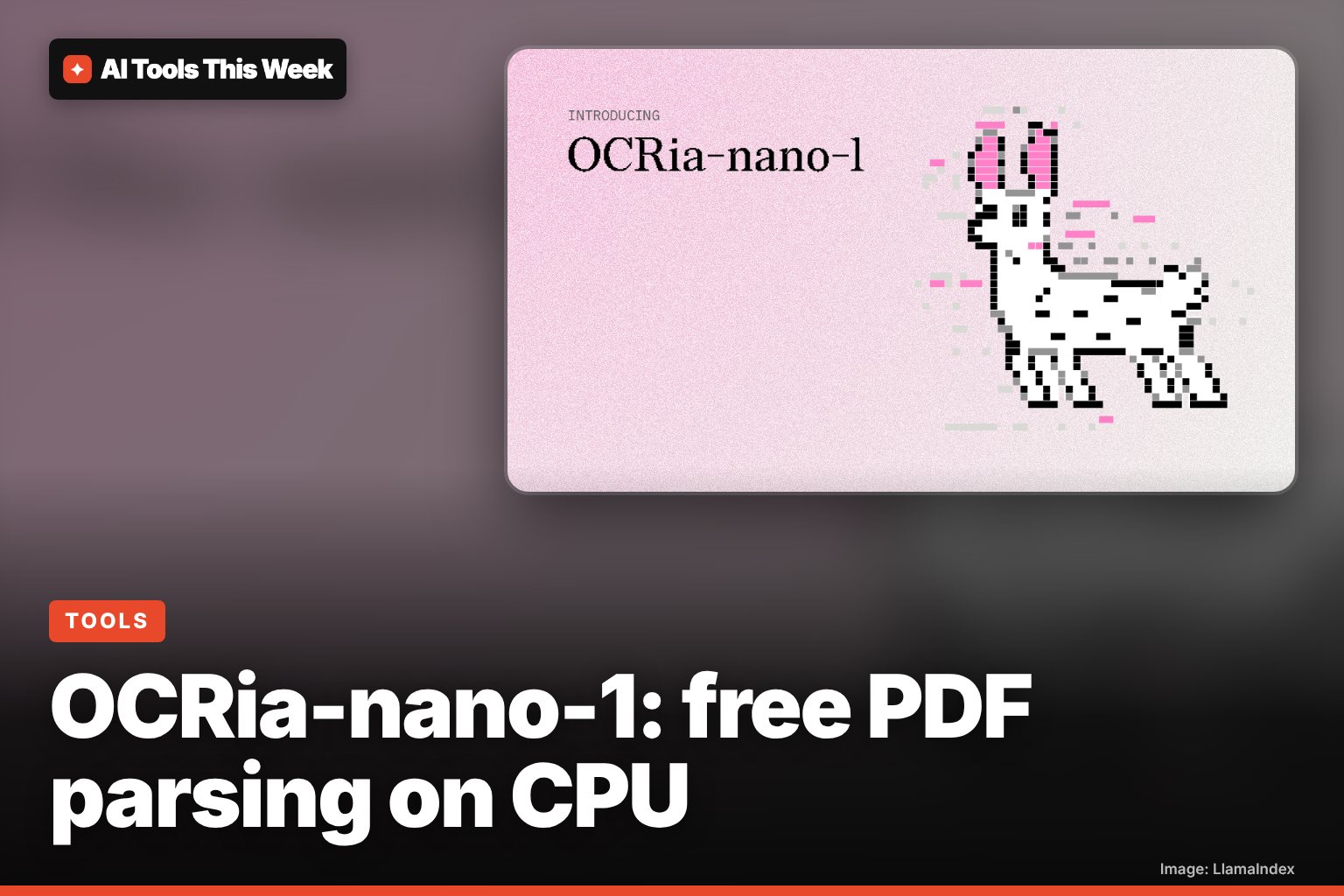
OCRia-nano-1 is an 8.1M-parameter LlamaIndex OCR model that turns PDFs into Markdown on a CPU. Free for personal use; big firms need a licence.
Checked and updated 27 November 2026 at 15:26 UTC
Key points
- OCRia-nano-1 is a set of small AI models (8.1 million parameters in total) from LlamaIndex that read PDFs and scanned pages and turn them into Markdown, JSON or plain text, entirely on your own computer's CPU.
- It is free to download and use for personal use and research. Companies with more than $2 million in revenue or funding, and anyone building a competing document-parsing service, need a separate licence from LlamaIndex.
- It runs inside LiteParse, LlamaIndex's open-source parser (Apache 2.0): pip install liteparse, then lit models pull ocria-nano, then lit parse doc.pdf --format markdown.
OCRia-nano-1 is a tiny, free-to-download AI model from LlamaIndex that turns PDFs, scans and photos of documents into clean text, Markdown or JSON on an ordinary laptop CPU, with no cloud and no GPU. It is free for personal use and research; larger companies need a licence.
LlamaIndex released it on November 23, 2026, and it is on the Hugging Face trending list this week. Here is what it does, who can use it for free, and how to try it.
What OCRia-nano-1 does
OCR (optical character recognition) means reading text out of an image. Most PDFs you get from scanners, phones or old archives are really pictures of text, so you can't search or copy them until something does OCR.
OCRia-nano-1 is not one model but a small pipeline of them, 8.1 million parameters in total. For comparison, LlamaIndex's bigger OCRia-1 has 4 billion. Nano was trained using labels from OCRia-1 and is 1/500th of its size. The pipeline:
- finds each line of text on the page,
- sends each line to the right reader for its script: Latin, Chinese/Japanese/Korean, right-to-left (Arabic, Hebrew), or a "world script" model covering about 17 more scripts,
- detects tables and layout (headings, lists, captions, headers and footers) with a model called LayoutNet,
- and merges the OCR text with any real text already in the PDF.
It also copes with mixed-script pages and pages scanned upside down.
How good and how fast is it?
| OCRia-nano-1 | Notes | |
|---|---|---|
| ParseBench-2 score | 59.2 overall, 59.5 on tables | LlamaIndex's own benchmark; CPU parsers Indra 55.1, Marker 52.5 |
| Speed, one CPU core | about 426 ms per page | 90% of pages under 862 ms |
| Speed, 16 workers | 27.8 pages per second | about twice LiteParse with Tesseract |
| Runs on | Linux, macOS, Windows, browser (WebAssembly) | through LiteParse |
The benchmark is LlamaIndex's own, so treat the comparison as the maker's claim until independent tests appear.
Is it free?
Mostly, for normal people. The rules come from two licences:
- LiteParse, the program that runs the model, is open source under Apache 2.0.
- The OCRia-nano-1 weights use a modified Open RAIL-M licence. Personal use and research are fine whatever your situation. Commercial use is not allowed without a licence from LlamaIndex if you, or your employer, had more than $2 million in revenue last year or raised more than $2 million in funding. Using it in a service that competes with LlamaIndex's own parsing products is not allowed at any size, except for research.
So a student, freelancer or small business under those thresholds can use it at no cost. A bigger company should talk to LlamaIndex first.
How to try it
You need Python installed. In a terminal:
pip install liteparselit models pull ocria-nano(downloads the models once)lit parse doc.pdf --format markdown(replace doc.pdf with your file)
The output can also be JSON with the position of every piece of text, or plain text. LiteParse can also be used from Node.js, Rust and the browser, and it accepts Word, Excel and PowerPoint files by converting them first.
Limits to know
- No charts: charts stay as images. LlamaIndex points to OCRia-1 for chart-to-table extraction.
- Hard documents: handwriting, badly damaged scans, complex tables and scanned maths are better handled by OCRia-1.
- Not a chatbot: it extracts text; you still need another tool to summarise or answer questions about the document.
Why it matters
Small models like this mean private documents (bank statements, medical letters, contracts) can be made searchable without uploading them anywhere. It's the same trend we've seen with AI models that run on your phone. If you use coding agents, a local parser like this pairs well with memory tools such as claude-mem, and our explainer on what an AI agent is covers how agents use tools like it.
AI Tools This Week is not affiliated with LlamaIndex.
Frequently asked questions
Is OCRia-nano-1 free?
For personal use and research, yes: the weights download free from Hugging Face. The model licence (a modified Open RAIL-M) blocks commercial use by organisations with more than $2 million in prior-year revenue or more than $2 million in funding, and any use in a competing parsing or OCR service, unless you get a licence from LlamaIndex. LiteParse, the software that runs it, is Apache 2.0.
Do I need a GPU to run OCRia-nano-1?
No. It is built for CPUs. LlamaIndex reports about 426 milliseconds per page on a single core and 27.8 pages per second using 16 single-core workers.
Can OCRia-nano-1 read handwriting and charts?
Not well. LlamaIndex says nano has no chart model, so charts stay as images, and it points to its larger OCRia-1 model for handwriting, heavily damaged scans, complex tables and scanned maths.
Sources
Related
Kandinsky ImageSR 2.0: free AI image upscaler, how to try it
Kandinsky ImageSR 2.0 is a free, MIT-licensed AI upscaler that sharpens photos or enlarges them 2x or 4x. Try the free web demo or run it with ComfyUI.
What is Magnitude? Free app that runs big AI models on your PC
Magnitude is a free, open-source (Apache 2.0) app that runs 66–249 GB AI models on normal PCs and Macs by streaming parts from your SSD. Speeds and setup.
What is claude-mem, and is it free? Memory for AI agents
Claude-mem is a free, open-source (Apache 2.0) memory plugin for Claude Code and other agents. Cloud Sync is optional: 30 days free, then $12/month.