
Adobe AI Assistant: what it is and is it free? (Nov 2026)
Adobe's AI Assistant does multi-step edits in Photoshop, Premiere, Illustrator and Firefly from a chat. Which apps have it, what's beta and what it costs.
Checked and updated 13 November 2026 at 15:30 UTC
Key points
- Adobe AI Assistant is a chat panel inside Creative Cloud apps that plans and carries out multi-step jobs (batch edits, resizing for social, print checks) from a plain-English request.
- It is in beta in Premiere, Illustrator, InDesign, After Effects and Frame.io, in the Photoshop beta app, and as Firefly AI Assistant in Adobe Firefly, expanded at Adobe MAX on November 10, 2026.
- It is not a free standalone app; Firefly AI Assistant needs Creative Cloud Pro or a paid Firefly plan, and Adobe has given beta users free daily credits that only work with the assistant.
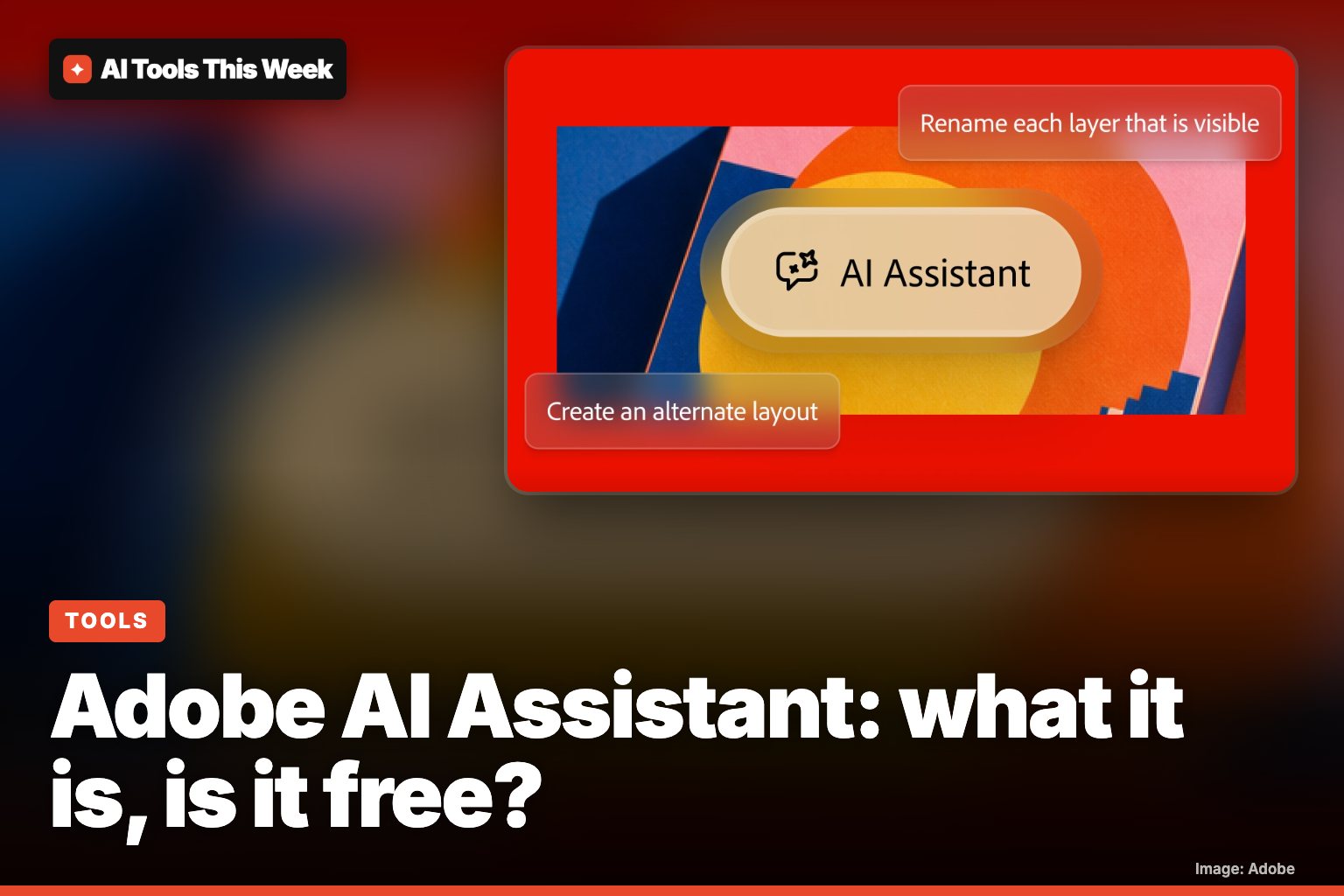
Adobe AI Assistant is a chat helper built into Adobe's Creative Cloud apps: you describe a job in your own words ("resize these for Instagram", "check this brochure is ready to print") and it plans the steps and does them with the app's own tools. It is not free on its own. You need a paid Adobe plan, and in most apps it is still labelled beta. Adobe expanded it across Creative Cloud at its MAX conference on November 10, 2026, and it is trending on Product Hunt this week.
Which apps have it?
| App | Status | Good for |
|---|---|---|
| Premiere | Beta | Effects on every clip, colour and exposure across a sequence, reframing for social, batch exports |
| Photoshop | Photoshop beta app only | Reformatting images, suggested edits, step-by-step help |
| Illustrator | Beta | Batch edits, renaming layers and artboards, translating text, recolouring |
| InDesign | Beta | Bulk edits across hundreds of pages, variations, print-readiness checks |
| After Effects | Beta | Tidying projects with thousands of layers, building motion graphics from a description |
| Frame.io | Beta | Sorting footage, summarising client feedback |
| Adobe Firefly | Beta (Firefly AI Assistant) | Mood boards, mockups, social variations, batch retouching |
Adobe's newsroom wording is that the assistants "are available in beta" in the flagship desktop apps, except Photoshop, where you need the separate Photoshop beta app. Adobe has not said when the beta ends.
Is Adobe AI Assistant free?
Short answer: no, but some use is included with paid plans.
- Firefly AI Assistant: when Adobe opened the public beta in April 2026, it said the beta was for Creative Cloud Pro and paid Firefly Pro, Pro Plus and Premium plans, with free daily credits that only work with the assistant and refresh each day. Adobe hasn't said how long those daily credits will last.
- In Premiere, Photoshop and the other apps: the assistant sits inside the app, so you need that app's subscription. Adobe's AI Assistant page lists no separate price.
- Free Adobe account: you can sign up for Firefly for free, but that alone does not give you the assistant beta.
Generative steps such as Generative Fill use Adobe's generative credits, which differ by plan, so heavy use can run out of credits.
How to try it
- In a desktop app: open Premiere, Illustrator, InDesign, After Effects or the Photoshop beta app and click the AI Assistant icon.
- In Firefly: sign in at firefly.adobe.com and choose AI Assistant in the left panel.
- Describe the job, for example "turn these 10 product photos into square social posts with a white background."
- Check the plan. Firefly's Plan Mode shows the steps before it runs, so you can change them first.
- Fix by hand. Layers and sequences stay editable, so you can tweak the result yourself.
What's new from Adobe MAX 2026
- The assistant is now powered by the Adobe Creative Agent and works across more apps.
- Firefly AI Assistant adds Plan Mode, a model picker (or Auto-Select) and saved brand settings: colours, formats, characters and products.
- Adobe previewed local MCP integrations that let outside AI agents edit Photoshop, Illustrator, Premiere and After Effects files on your computer. These arrive in private beta in early 2027.
- Adobe says it does not train its models on what you create or upload.
Who should care
If you already pay for Creative Cloud, it's worth trying for boring batch work: exporting many sizes, renaming layers, checking a long document. If you don't pay for Adobe, our list of free AI tools is a better place to start. To see where this is heading, read what an AI agent is: Adobe now calls its assistant an agent that does the steps for you.
Frequently asked questions
Is Adobe AI Assistant free?
Not really. You can make a free Adobe account for Firefly, but Adobe said the Firefly AI Assistant beta is for Creative Cloud Pro and paid Firefly plans (Pro, Pro Plus, Premium). In the app versions you need that app's subscription.
Which Adobe apps have AI Assistant?
Premiere, Illustrator, InDesign, After Effects and Frame.io (in beta), Photoshop (only in the Photoshop beta app) and Adobe Firefly, where it is called Firefly AI Assistant.
Does Adobe train its AI on my files?
Adobe's AI Assistant page says it does not train its models on work you create or upload.
Sources
Related
Inworld Voice Isolator: free AI background noise remover
Inworld's Voice Isolator is a free, open-source (Apache 2.0) AI tool that strips noise from voice recordings at 48 kHz, offline or live. How to use it.
Google Assistant and Nest app shutdown: Jan 25 and Aug 2, 2027 dates
Google retires the Nest app on Jan 25, 2027 and removes Google Assistant from speakers and displays on Aug 2, 2027. What to do and what Gemini costs.
ChatGPT Space: what it is and is it free? (Nov 2026)
ChatGPT Space reached Plus ($20/month) on Nov 20, 2026, for users 18+. It holds pages, slides and files you can share. Free users can't open shared pages.