
Google AI Mode now connects to Wallet, with Drive and Gemini next
Google AI Mode can now read your Google Wallet cards for spending and rewards tips; Drive and Gemini app links come in weeks. Opt-in, US. How to turn it off.
Checked and updated 23 November 2026 at 21:21 UTC
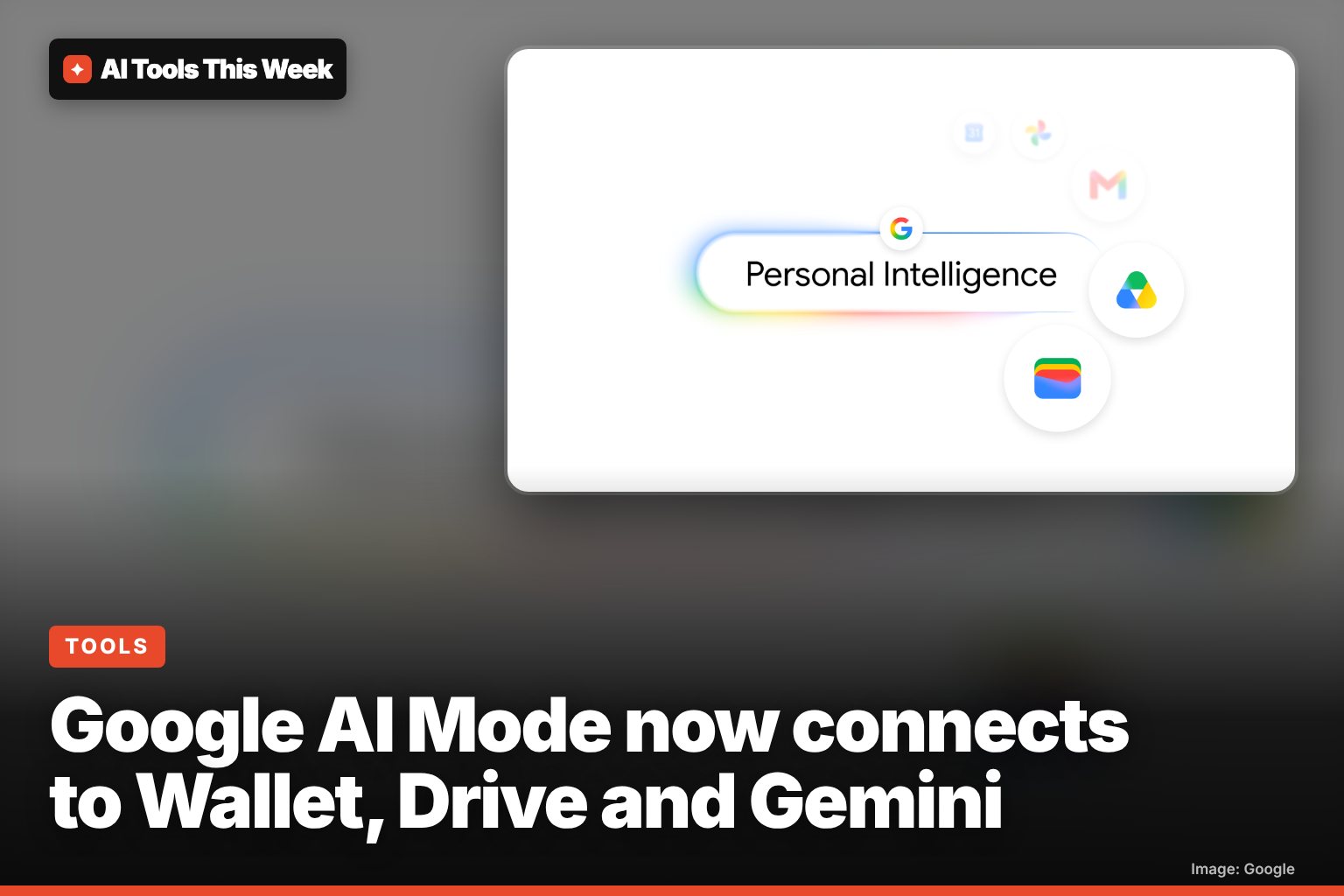
Key points
- On November 23, 2026 Google started rolling out a Google Wallet connection for Personal Intelligence in AI Mode, so Search can use your linked cards to help with budgets, spending and credit card rewards. Google says it can only read, not move or invest money.
- Google Drive (Docs, Sheets, PDFs) and a link between the Gemini app and AI Mode follow in the coming weeks, joining Gmail, Calendar and Photos, which already connect.
- Every connection is opt-in and can be switched off any time. Personal Intelligence works on personal Google accounts in the US, not on Workspace work or school accounts.
Google's AI Mode in Search can now connect to Google Wallet, so it can look at the cards and accounts you've linked there and give personal money tips, like where to cut spending or which card earns the most rewards. The Wallet option started rolling out on November 23, 2026. Google Drive and a link to the Gemini app come "in the coming weeks". All of it is opt-in.
This is part of Personal Intelligence, Google's feature that lets AI Mode use your own Google data to tailor answers. Gmail, Calendar and Photos could already connect.
What's new, app by app
| App | What AI Mode can do with it | When |
|---|---|---|
| Google Wallet | Map out money goals, find ways to cut everyday spending, get more out of cash-back categories, travel perks and points on cards linked in Wallet. Read-only. | Rolling out now |
| Google Drive | Use your Docs, Sheets and PDFs, for example to build a personal prep plan before tax season. | Coming weeks |
| Gemini app | Share context both ways: ideas you explored in the Gemini app carry over to AI Mode and back. | Coming weeks |
| Gmail, Calendar, Photos | Already supported (bookings, plans, past photos). | Available |
Google also says AI Overviews and AI Mode will lean more on your recent searches. If you've been planning a trip, a new search can pick it up without you repeating the details. A "Personalization" icon under tailored answers will soon show what context was used.
Can it touch my money?
No. Google says AI Mode "can only read" information from your accounts and cannot move, manage or invest money. It's an advisor, not a payments agent. That's different from the shopping agents that can buy things for you, which we compared in ChatGPT Wallet vs Gemini Google Wallet.
Who gets it
- US only, on personal Google accounts. Google says Personal Intelligence isn't available for Workspace business, enterprise or education accounts.
- In March 2026 Google expanded Personal Intelligence in AI Mode across the US (it began in January for Google AI Pro and Ultra subscribers). Google's new post doesn't say whether the Wallet connection needs a Google AI Pro or Ultra plan, so check your Connected Apps list.
- Rollout is gradual, so the Wallet switch may take a few days to show up.
How to turn it on (or off)
- Open Google Search and go to Search personalization (tap your profile picture in the Google app).
- Choose Connected Apps.
- Switch on the apps you want, such as Google Wallet. Leave the rest off.
- To disconnect later, flip the switch off, or go to myactivity.google.com/search-services/apps.
- To stop personalized answers altogether, turn it off at google.com/search-personalization.
If AI Mode gets something wrong, just tell it, for example "I'm no longer a vegetarian", and it will adjust.
Should you connect Wallet?
It's handy if you juggle several cards and never remember which one earns more where. But you're giving Search a view of your financial accounts, so connect only what you'd be fine with Google reading. You can always try it, then switch it off. If you'd rather keep a conversation out of your history, AI Mode also has temporary threads. And if you use Gemini for this kind of thing, see what Gemini in Google Wallet already does.
AI Tools This Week is not affiliated with Google.
Frequently asked questions
Can Google AI Mode spend my money through Google Wallet?
No. Google says AI Mode can only read information from the accounts linked in Wallet. It can't move, manage or invest your money. It uses that data for tips like where you could cut spending or which card earns the most rewards.
How do I connect or disconnect apps from AI Mode?
Open Search personalization, choose Connected Apps and switch each app on or off. You can also manage this at myactivity.google.com/search-services/apps, and turn personalization off fully at google.com/search-personalization.
When does Google Drive work in AI Mode?
Google says Drive and the Gemini app connection are coming in the coming weeks. It didn't give a date. Only the Wallet connection started rolling out on November 23.
Sources
Related
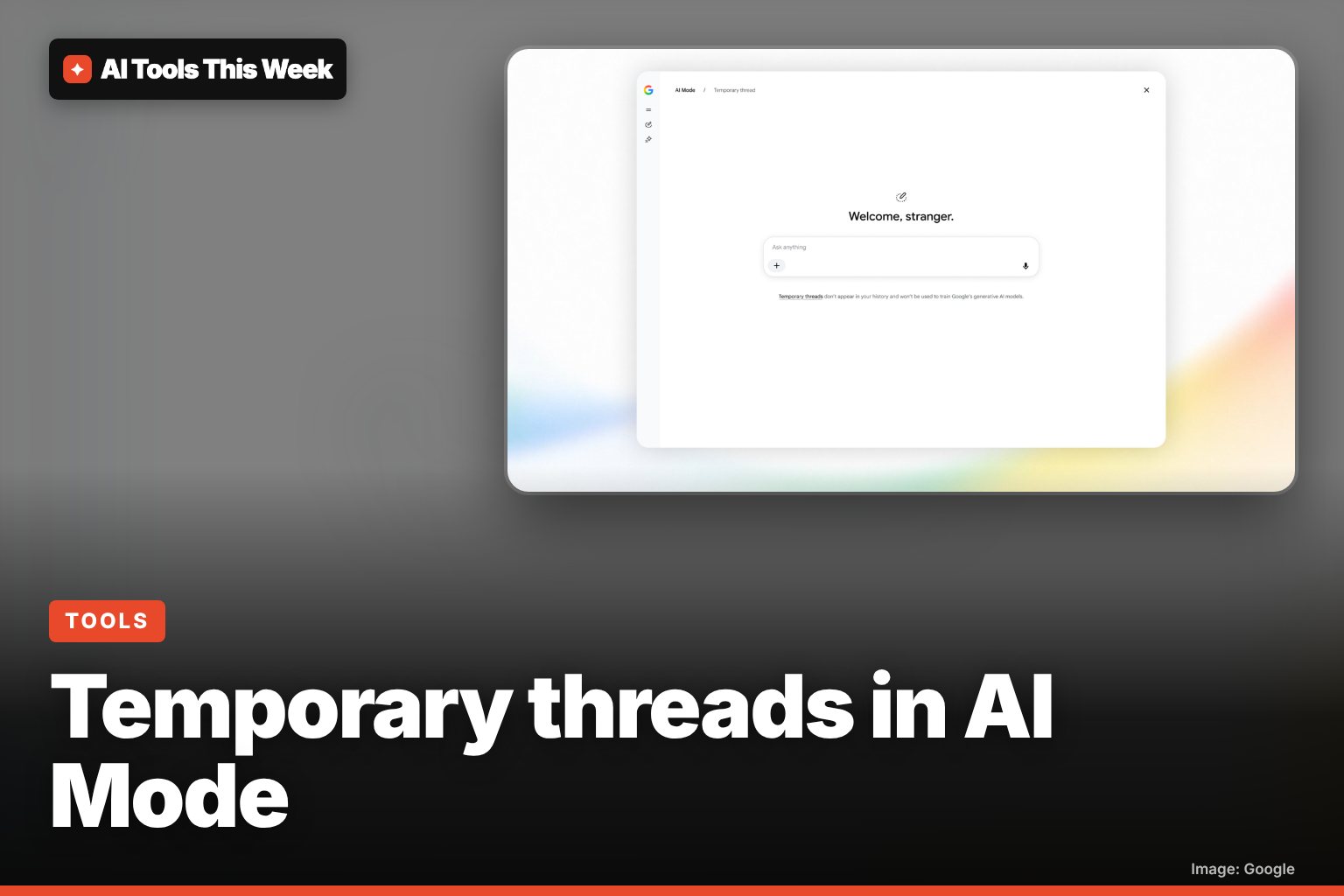
Google AI Mode temporary threads: how to search without history
Temporary threads in Google AI Mode aren't saved to your history or used for personalization. Start one from the top-right icon, on desktop or mobile.
What is Hermes Agent and is it free? Gemini plans may come Dec 2
Hermes Agent is Nous Research's free, open-source AI agent for Mac, Windows and Linux. You pay for the model. Gemini subscriptions may work from Dec 2.
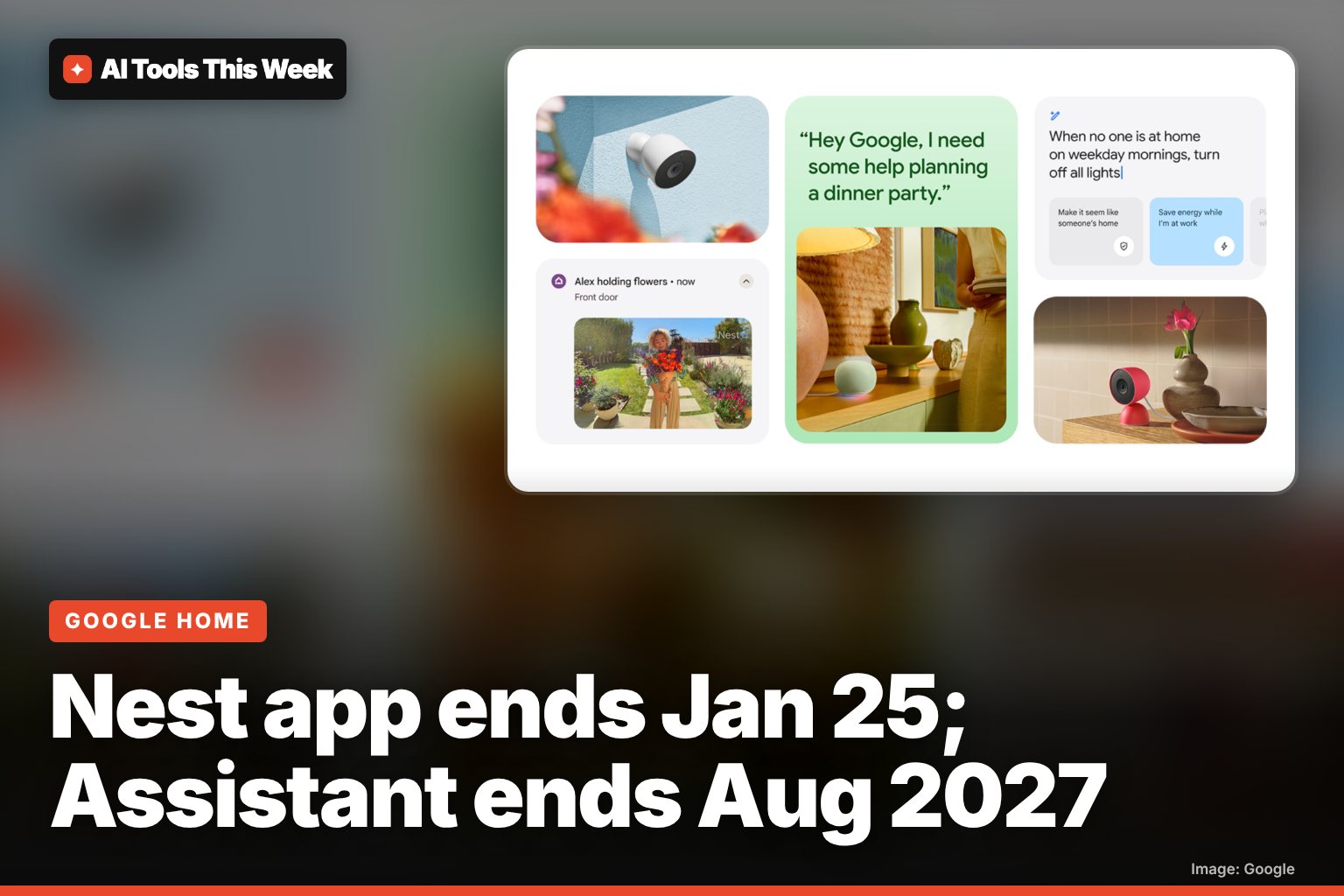
Google Assistant and Nest app shutdown: Jan 25 and Aug 2, 2027 dates
Google retires the Nest app on Jan 25, 2027 and removes Google Assistant from speakers and displays on Aug 2, 2027. What to do and what Gemini costs.