
Suno Visuals: how to make AI music videos, and is it free?
Suno Visuals turns your songs into lip-synced video clips up to 15 seconds. Visual credits cost extra; Platinum ($120/month) includes 20,000 a month.
Checked and updated 23 November 2026 at 15:23 UTC
Key points
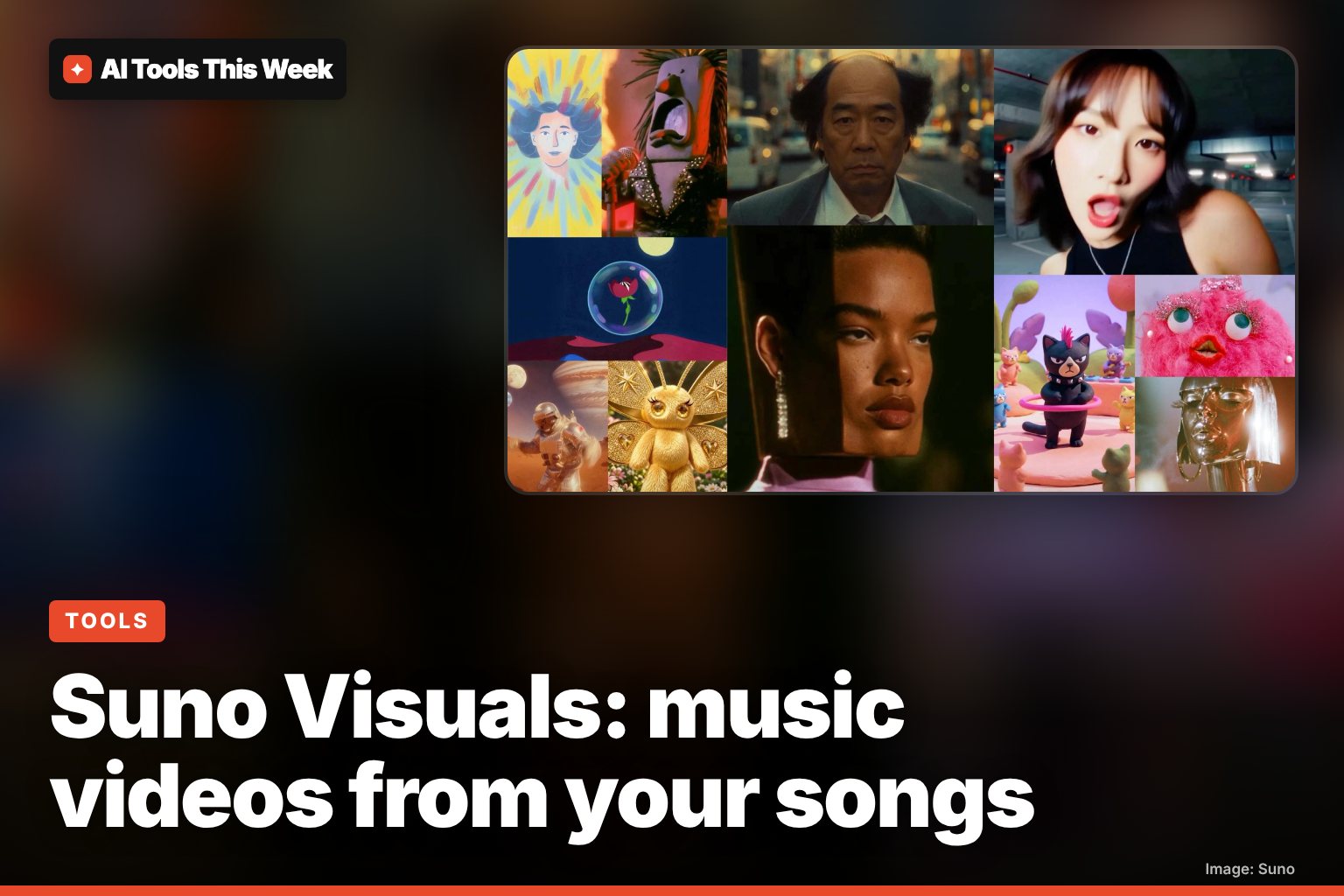
- Suno Visuals (launched Nov 17, 2026) makes video clips of up to 15 seconds that follow your song's structure and lip-sync to its lyrics, plus album art and lyric videos.
- It uses visual credits, which are separate from song credits. Only the $120-a-month Platinum plan includes them (20,000 a month); other users buy credit packs.
- Strict filters block prompts about real artists, public figures and copyrighted characters, and clips get an embedded watermark before you share them off Suno.
Suno Visuals is a new Suno feature that turns a song from your Suno library into an AI-generated video clip of up to 15 seconds that follows the music and lip-syncs to the lyrics. It is not free: it runs on separate visual credits, which come included only with the $120-a-month Platinum plan or can be bought as add-ons.
Suno announced Visuals on November 17, 2026. Here is how it works, what it costs and what you can't do with it.
What Suno Visuals makes
- Music video clips that match the song's structure (verse, chorus, drops) and lip-sync characters to your lyrics.
- Lyric videos.
- Images, such as album art and thumbnails.
- Photo-to-video: start from an original image you upload, or from one of Suno's own characters, and animate it.
Every clip tops out at 15 seconds, but you can extend, edit and re-prompt it with text, so a longer video is built in pieces. Visuals works on the web, iOS and Android.
How to make a music video with Suno Visuals
- Open Suno and go to the Visuals tab.
- Drag a song from your library into it.
- Optionally pick a Suno character or upload your own image. The first time you upload, Suno asks you to confirm you own the rights.
- Generate a clip (up to 15 seconds).
- Extend it, edit it or change the text prompt until you like it, then share it. Clips carry an embedded watermark once they leave Suno.
How much it costs
| Plan | Price | Song credits | Visual credits |
|---|---|---|---|
| Free | $0 | 50 a day | None included |
| Pro | $10/month ($8 billed yearly) | 2,500 a month | None included |
| Premier | $30/month ($24 billed yearly) | 10,000 a month | None included |
| Platinum | $120/month ($100 billed yearly) | 15,000 a month | 20,000 a month |
Prices from suno.com/pricing on November 23, 2026. Visual credits are sold separately at suno.com/pricing/visuals, and Suno's launch post doesn't say how many credits one clip uses. Note that purchased top-up credits on Suno need an active subscription to use.
What you can't do
Suno is stricter than many video tools, on purpose:
- Prompts and uploads that target specific artists, public figures, copyrighted works or other IP are blocked, so some prompts that work elsewhere fail here.
- Uploads with copyrighted audio are blocked, using checks from Audible Magic, ACRCloud and Musixmatch.
- Every image and video is checked against Suno's Community Guidelines before you see it.
Suno doesn't name the video model behind Visuals; it only says it optimized the model for music.
Is it worth it?
If you already make songs on Suno and want a quick clip for TikTok, Reels or Shorts, Visuals saves you exporting the track to a separate video tool. If you want longer or more controllable video, a dedicated model is still more flexible: see our pages on the open video model LTX-2.5 and the image model MiniMax H3 Image, or browse our free AI tools.
Frequently asked questions
Is Suno Visuals free?
Not really. Visuals runs on visual credits, which are separate from the song credits in Suno's free plan. The Platinum plan ($120 a month, or $100 a month billed yearly) includes 20,000 visual credits a month; anyone else buys visual credits at suno.com/pricing/visuals. Suno's launch post gives no per-clip price.
How long can a Suno Visuals video be?
Each generated clip is up to 15 seconds. You can then extend it, edit it or re-prompt it with text to build a longer music video piece by piece.
Can I make a video of a real singer with Suno Visuals?
No. Suno's filters block uploads and prompts aimed at specific artists, public figures, copyrighted works and other IP. You can use Suno's own characters or upload an original image you have the rights to.
Sources
Related
What is Shirudo? OpenAI and Cisco's free Linux shield
Shirudo (Nov 23, 2026) is a free, open-source tool from OpenAI and Cisco that blocks exploits on running Linux servers until a patch lands. Pre-release.
Google AI Mode now connects to Wallet, with Drive and Gemini next
Google AI Mode can now read your Google Wallet cards for spending and rewards tips; Drive and Gemini app links come in weeks. Opt-in, US. How to turn it off.

Claude Ship: Anthropic's AI that reviews, fixes and approves PRs
Claude Ship (Nov 23, 2026) reviews GitHub pull requests, fixes failing checks and approves routine ones. Team and Enterprise only, token-billed. How it works.