
How to text Gemini in Google Messages (and by email)
Set up Text with Gemini in the app under Settings > Channels, then message it like a contact. Free, US only, and not end-to-end encrypted.
Checked and updated 25 November 2026 at 03:30 UTC
Key points
- Open the Gemini app, go to Settings, tap Channels, then Set up under Text with Gemini and verify your phone number. You can also set it up at gemini.google.com/channels.
- Texting and email forwarding started in the US on November 17, 2026, and need a US phone number on an eligible carrier. You can also email requests to gemini@google.com.
- Google says the text channel is not end-to-end encrypted and may be accessible by your carrier, so keep sensitive details out of it.
To text Gemini, open the Gemini app, tap Settings, then Channels, then Set up under "Text with Gemini", and verify your phone number. After that, Gemini appears as a thread you can message like a contact, and it can email you too. Google turned this on for the US on November 17, 2026, and it is free.
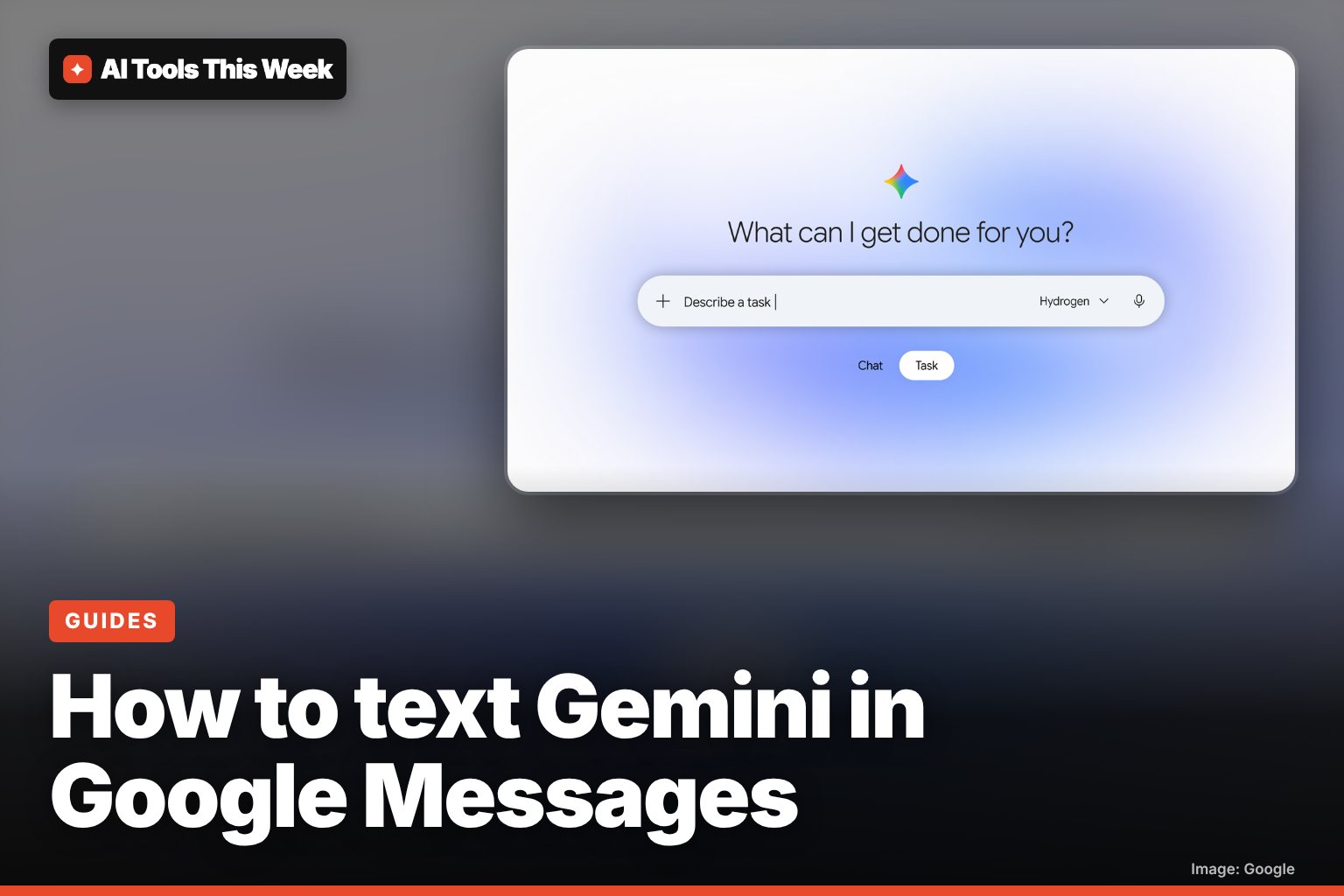
On November 24, 2026, 9to5Google reported that the Gemini button inside Google Messages now opens this new tasks chat instead of the old chatbot, for people in the US who have tasks switched on.
Set it up in four steps
- Open the Gemini app on Android or iOS and tap Settings.
- Tap Channels.
- Under Text with Gemini, tap Set up.
- Verify your phone number. Numbers already on your Google Account show up automatically, and you can add a new one.
You can do the same thing in a browser at gemini.google.com/channels, which is also where you remove a number or switch either channel off again.
What you can do by text
Gemini replies over RCS Business Messaging, so the thread behaves like a normal chat: you can send photos and files, and you can reply halfway through a job to change what it is doing. Google's examples include photographing a school flyer so the dates land in Google Calendar, and setting up a check-in that reports back later.
Because this is Tasks rather than a plain chatbot, Gemini asks for a one-tap confirmation before anything that matters, such as sending a message or booking something. Google says it is designed to ask for your confirmation or pre-approval before clicking "Buy", and to ask clarifying questions when your instructions are vague. If you want the full picture of what Tasks can do, including phone calls and payments, see our guide to Gemini Tasks being free.
Emailing Gemini instead
The second channel is email. Send or forward a message to gemini@google.com from Gmail, Apple Mail or Outlook and Gemini replies to you directly, never Reply-All, with a link to review and confirm what it did. Google's examples are forwarding school emails so dates reach your calendar, checking a schedule for conflicts, and sorting medical bills or insurance renewals.
This is the easiest of the two to try, because there is nothing to set up beyond sending the first email from an address on your Google Account.
Where it works, and where it doesn't
| Channel | Where | Needs |
|---|---|---|
| Text with Gemini | US | A US phone number on an eligible mobile carrier |
| Email with Gemini | US | Sending from your Google Account address |
| Tasks in general | US, Japan, Korea, Canada, Australia, India | A personal Google Account |
Google's footnote on the announcement is specific: you must have a US phone number with an eligible mobile carrier for the text channel. If the Set up button does nothing for you, that is usually why.
The old Gemini chat in Messages
The chatbot that has lived in Google Messages since 2024 is a separate thing, with its own requirements: an Android phone, the latest Messages app, RCS chats switched on, a personal Google Account (no Workspace or Family Link), and age 18 or over. Google lists it in over 165 countries and about 44 languages.
Two details from that help page still apply to the new thread: chats with Gemini are not end-to-end encrypted, and Gemini does not get your precise location, only the general area from your IP address or the home or work address on your account.
To delete the conversation, open it in Google Messages, tap More, then Delete conversation, which removes the whole chat rather than single messages. Deleting individual prompts happens in Gemini Apps Activity, and that does not clear the Messages thread or your Android backup. Our guide to how long Gemini keeps your chats covers what Google stores and for how long.
Should you use it?
The text channel is genuinely handy for the small jobs you would otherwise forget: snap a flyer, forward a confirmation email, ask for a reminder that arrives on its own. It is also the least private way to talk to Gemini, since the thread travels over your carrier's messaging network rather than an encrypted app.
A fair rule: use texting and email for logistics, and keep anything you would not put in an ordinary SMS, such as medical details or account numbers, in the Gemini app instead.
How to turn it off
Go back to gemini.google.com/channels or Gemini's Settings and switch off either channel, or remove the phone number. For the older Messages chatbot, open Messages settings, go to Gemini in Messages, and turn off "Show Gemini button".
Frequently asked questions
Is texting Gemini free?
Yes. Google's November 17, 2026 announcement says the Tasks update, which includes texting and email, is rolling out free of charge in the US, Japan, Korea, Canada, Australia and India, with the text and email channels starting in the US.
Is texting Gemini the same as the Gemini chat in Google Messages?
No. The older Gemini chat inside Google Messages is a plain chatbot conversation with its own icon. The new channel is Gemini Tasks reaching you over RCS Business Messaging, so it can carry out jobs and follow up later. 9to5Google reported on November 24, 2026 that the Messages shortcut now opens the new tasks chat for people in the US.
Is the conversation private?
Chats with Gemini in Google Messages are not end-to-end encrypted, and Google's help page says so plainly. Google's blog also notes the text option may be accessible by your carrier. Treat it like an ordinary SMS or RCS thread.
Sources
Related
Gemini now keeps chats for 2 months with History off
With Gemini History off, Google now keeps your chats for about two months, up from 72 hours. Training is now a separate setting. Here's how to set both.
How to make GIFs in Gemini (November 2026): steps and limits
Gemini now makes ~3-second looping GIFs from a prompt, photo or video with Omni 1.2 Flash. Steps, the 8 countries, and whether you need a paid plan.
Is Gemini free? What the free plan includes (November 2026)
Yes: Gemini is free with a Google account, including Deep Research, Gemini Live, Tasks and 15 GB storage. Paid plans run $4.99, $19.99 and $99.99+ a month.