
MAI Image 2.7: Microsoft's new image AI, and how to try it free
MAI Image 2.7 and 2.7 Flash (Nov 17, 2026) are Microsoft's new image models. Try them free in MAI Labs; developers pay about $35 or $10 per 1,000 images.
Checked and updated 24 November 2026 at 03:21 UTC
Key points
- MAI Image 2.7 and MAI Image 2.7 Flash are Microsoft's own image models, announced November 17, 2026: they make pictures from text and edit existing images, with up to five reference images per request and transparent backgrounds.
- Anyone 18+ with a Microsoft account can try both in MAI Labs, a limited preview for personal, non-commercial use, which also has a new Canvas workspace for sketch-to-image and selective edits.
- For developers they are in public preview on Microsoft Foundry and partners such as OpenRouter, at about $35 per 1,000 images (2.7) or $10 per 1,000 (Flash). Microsoft says 2.7 ranked #1 for image editing on Artificial Analysis at launch.
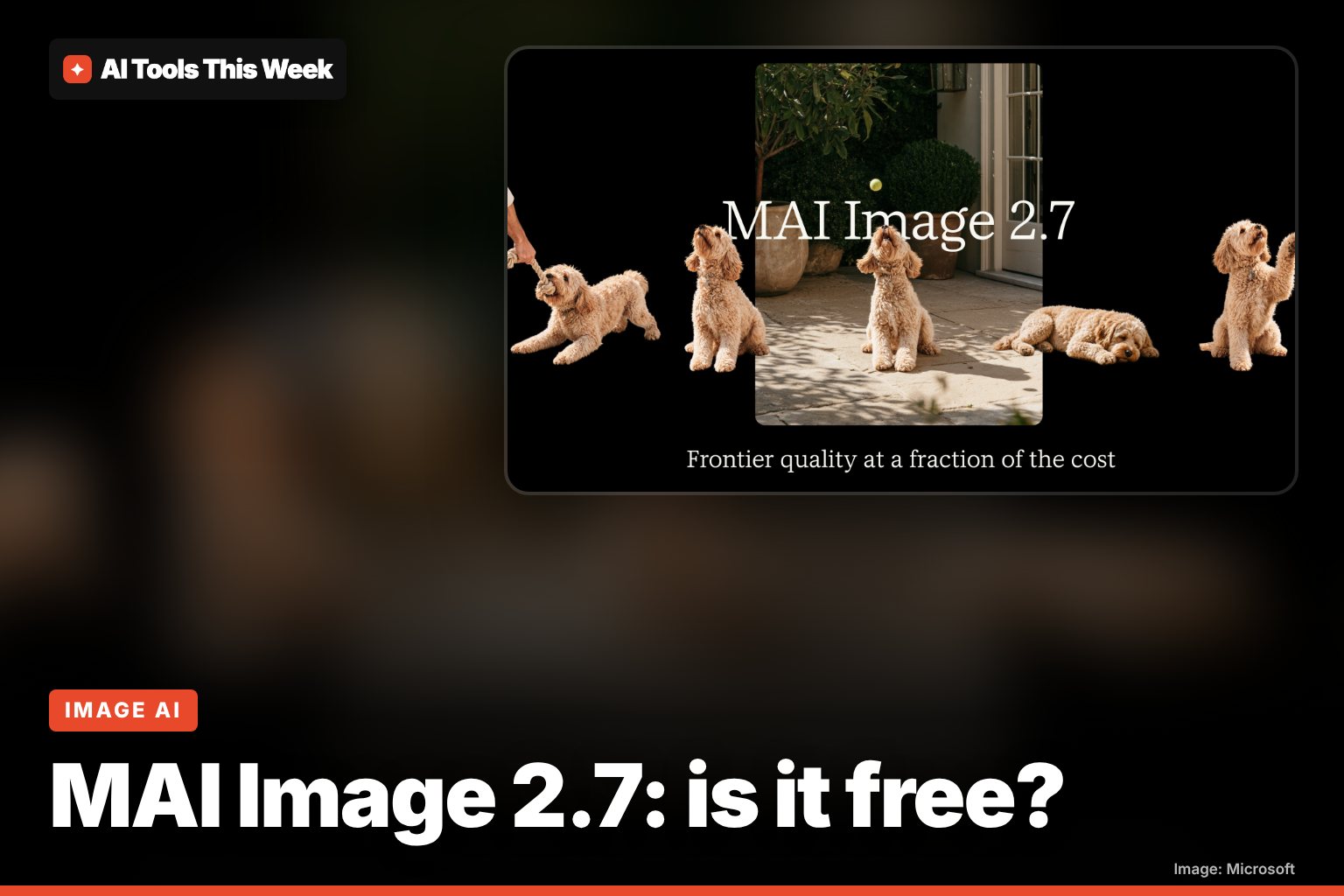
MAI Image 2.7 is Microsoft's newest in-house AI image model: it creates images from text and edits photos you upload, and you can try it free in Microsoft's MAI Labs with a Microsoft account. A faster, cheaper sibling, MAI Image 2.7 Flash, launched with it on November 17, 2026 and it is on Product Hunt this week.
Microsoft's main claim is price: it says 2.7 matches or beats the leading image models on quality for a fraction of the cost.
What MAI Image 2.7 can do
- Text to image, with a focus on photorealism and following the prompt closely.
- Precise edits: change an object's color, material or position without disturbing the rest of the picture.
- Consistent multi-step edits: the flagship keeps the image stable across several rounds of changes.
- Up to five reference images in one request, for example a product photo plus a style example.
- Transparent backgrounds, handy for logos, stickers and product cut-outs.
2.7 vs 2.7 Flash
| MAI Image 2.7 | MAI Image 2.7 Flash | |
|---|---|---|
| Best for | Highest quality, multi-step edits | Speed and volume |
| Developer price | About $35 per 1,000 images | About $10 per 1,000 images |
| Where | MAI Labs, Foundry, fal, Genspark, OpenRouter, Vercel | Same, plus it powers Canvas |
Microsoft says that as of November 16, MAI Image 2.7 was #1 on Artificial Analysis's image-editing leaderboard (1,215 Elo from 5,478 votes, 4 points ahead of GPT Image 2.6 Sunburst) at about a fifth of the cost. Leaderboards move quickly, so treat this as a launch-day snapshot.
How to try it free, step by step
- Go to labs.microsoft.ai and sign in with a Microsoft account.
- Confirm you're 18 or older (your date of birth is used for an eligibility check).
- Pick MAI Image 2.7 or MAI Image 2.7 Flash in the model menu, or open Canvas.
- Type a prompt, or upload up to five reference images to edit (you may be asked to consent to image uploads).
- In Canvas, start from a prompt or a rough sketch, then select part of the image to replace, move or restyle it.
The catch: MAI Labs is a limited preview meant for personal, non-commercial use. Microsoft says not to use it, or what it produces, for school or work.
Is it in Copilot or Bing?
Microsoft says MAI Image is the default model family behind Bing Image Creator, with usage growing about 15% a week since June. Its launch post doesn't confirm that version 2.7 itself has reached Bing or Copilot, so for now MAI Labs is the sure way to use it. Microsoft's other Ignite news is in our Ignite 2026 roundup, alongside its coding model MAI Code 2.
How it compares
MAI Image 2.7 joins a crowded field. Other recent image models we've covered include FLUX 3 Klein and MiniMax H3 Image. If you just want something free that works today, our free AI tools list has more.
Frequently asked questions
Is MAI Image 2.7 free?
You can try it at no charge in MAI Labs (labs.microsoft.ai) with a Microsoft account, but MAI Labs is a limited preview for personal, non-commercial use only. Developers using it through Microsoft Foundry or partners pay roughly $35 per 1,000 images for MAI Image 2.7 and $10 per 1,000 for Flash.
Is MAI Image 2.7 in Copilot or Bing?
Microsoft says the MAI Image family is the default model family for Bing Image Creator, but its launch post doesn't say whether version 2.7 specifically is in Bing or Copilot yet. MAI Labs is the place Microsoft names for trying 2.7.
What is the difference between MAI Image 2.7 and 2.7 Flash?
Flash is the faster, cheaper version, priced at under a third of the flagship per image. The flagship is the one Microsoft highlights for keeping images consistent across several rounds of edits. Canvas in MAI Labs runs on Flash.
Sources
Related
FLUX 3 Image Klein: is it free, and can your PC run it?
FLUX 3 Image Klein is Black Forest Labs' 5.6B open image model. It's free for small businesses, runs on 8 GB GPUs, and costs $0.009 per image in the API.
MiniMax H3 Image: what it is, is it free, and the US catch
MiniMax's open-weight H3 Image makes 4K pictures in seconds. What it does, what it costs, and why its license excludes the US, UK, EU and Korea.
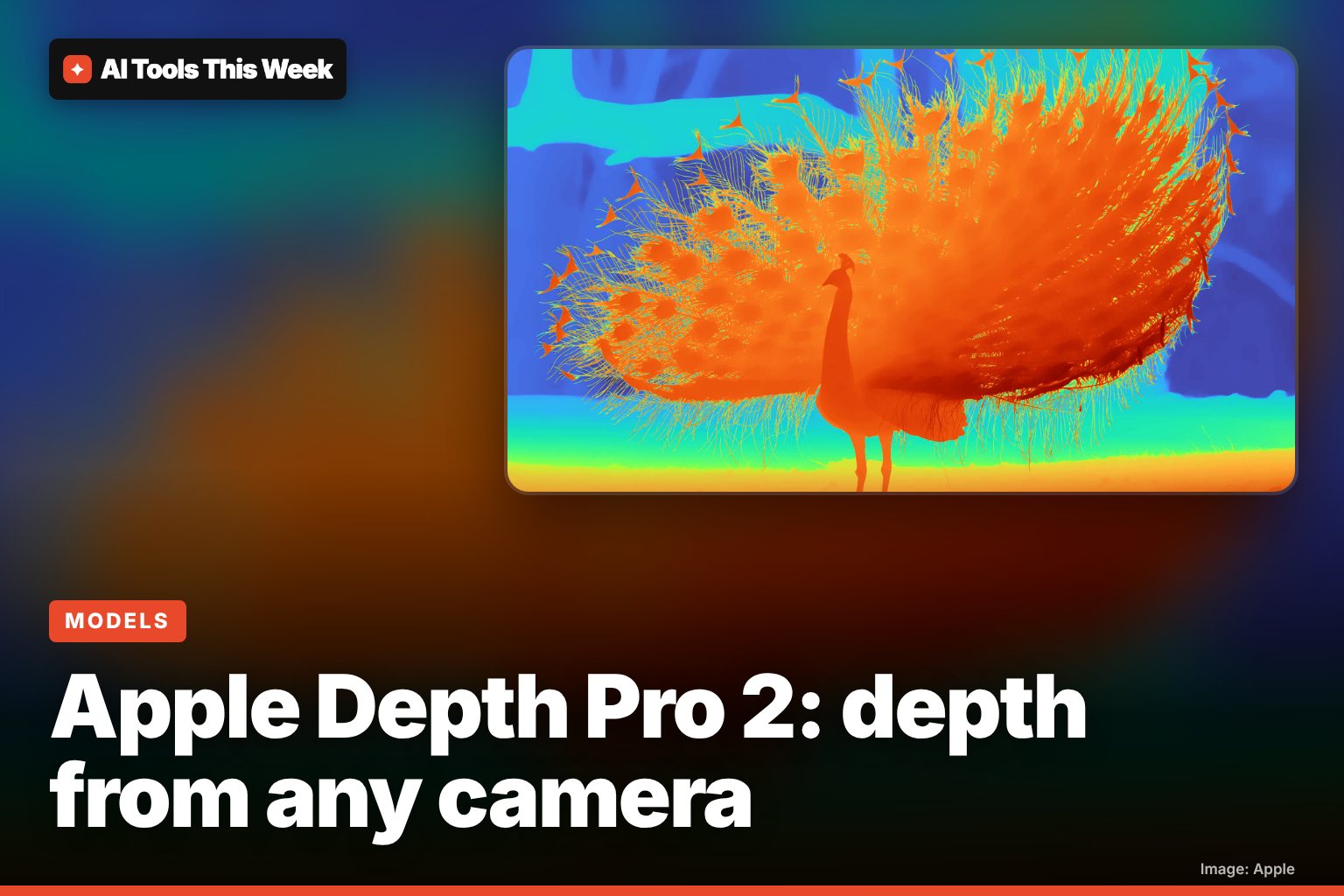
Apple Depth Pro 2: what it is, how to try it and is it free
Apple's Depth Pro 2 turns any photo or video into a depth map in meters. Free for research only; 4 sizes from 97 MB, runs on Mac, NVIDIA or CPU.