
Coinbase in ChatGPT: how to trade crypto and stocks in a chat
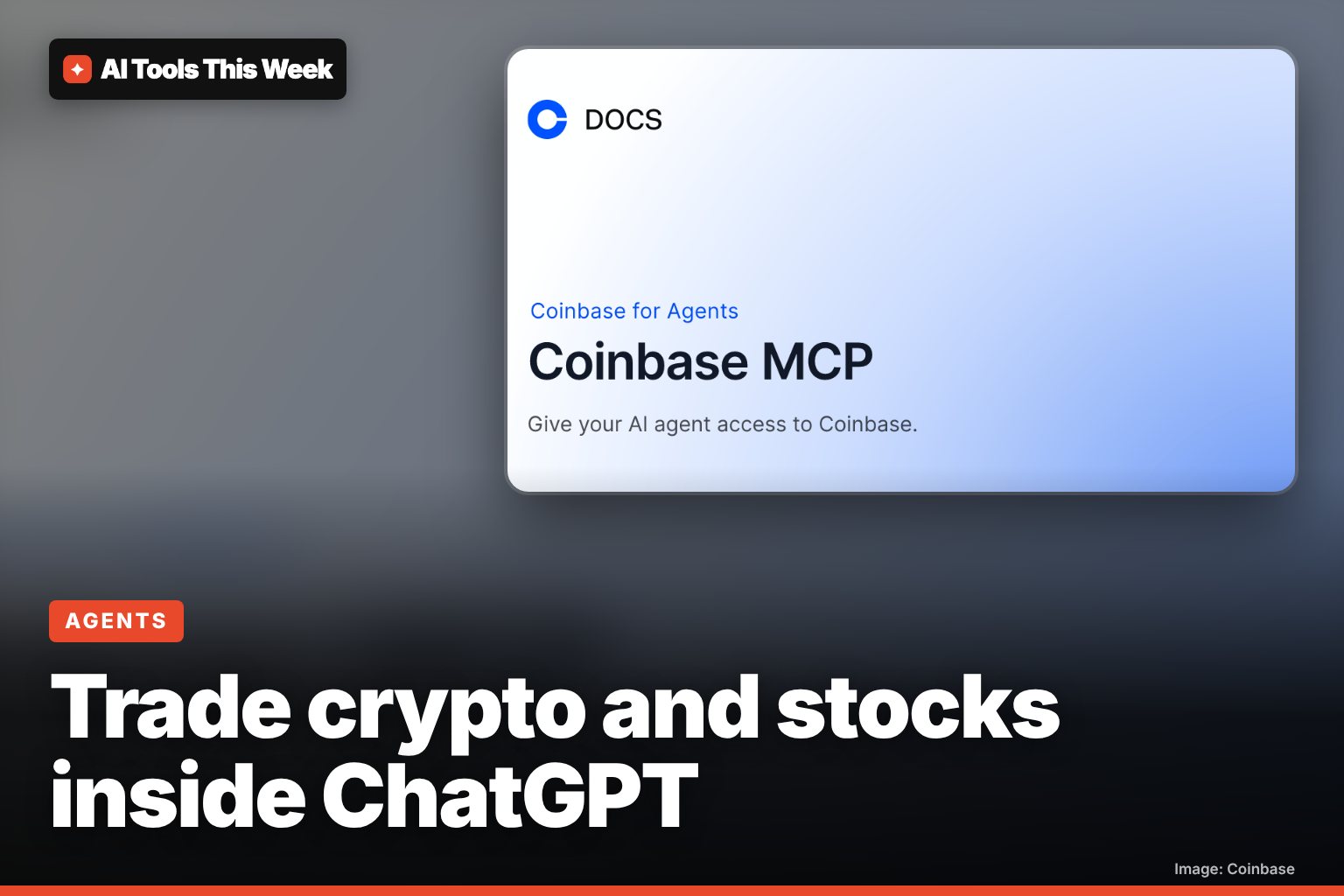
Coinbase's official ChatGPT plugin lets US users trade 900+ crypto pairs, US stocks and futures in a chat. Every order needs your OK on a card.
Checked and updated 24 November 2026 at 15:21 UTC
Key points
- Coinbase launched an official ChatGPT plugin on November 17, 2026. US Coinbase users can check balances and buy or sell crypto, eligible US stocks and dated futures by typing in ChatGPT.
- Nothing is traded until you tap confirm on a Coinbase card inside the chat. Cards cover new orders, edits, cancellations and USD-to-USDC conversions; read-only questions don't need one.
- Coinbase advises giving the AI its own small portfolio. Its Agent Controls can cap trade size and 24-hour volume and stop an agent after a set loss.
Yes, you can now trade crypto and stocks inside ChatGPT. Coinbase's official ChatGPT plugin, launched on November 17, 2026, lets US Coinbase customers check their portfolio and place buy and sell orders by typing a request. Every order still waits for you to press confirm on a Coinbase card in the chat.
Here's what the plugin actually does, how to set it up, and what to watch out for.
What you can trade
According to Coinbase's developer documentation, Coinbase for Agents (the system behind the plugin) supports:
| What | Details |
|---|---|
| Spot crypto | Buy and sell 900+ trading pairs on Coinbase |
| US stocks | Eligible US equities on Coinbase |
| Futures | Coinbase's dated futures contracts, only from your default portfolio |
| Portfolio questions | Balances and positions, no confirmation needed |
| USD ↔ USDC | Conversions, with a confirmation card |
Bankless reports that the plugin covers crypto, eligible US stocks and dated futures in a chat. Coinbase's more advanced options, such as paying for research with x402 micropayments and its global derivatives, are not in the ChatGPT plugin. Those only work through a custom connection.
How to set it up, step by step
- Open ChatGPT on the web, desktop or phone and go to Plugins in the sidebar, or search for "Coinbase".
- Open the official Coinbase plugin and follow the install prompts.
- Sign in with your Coinbase account when asked.
- Review the requested access and choose which portfolios the plugin may use.
- Ask something like "What's my Coinbase balance?" to check that it works, then try an order. ChatGPT shows a Coinbase card with the order details, and nothing happens until you approve it.
If you don't see the plugin, your account or workspace may not allow it. OpenAI's help center says plugin availability depends on plan, workspace, role and region. Our guide to using plugins in ChatGPT covers the general steps.
Safety: set limits before you start
Coinbase's own advice is to create a separate portfolio for the AI, put in only what you're willing to lose, and give the agent access to just that portfolio. You can only create new portfolios on the Coinbase website (Coinbase Advanced → Portfolio → Spot → New portfolio), not in the app.
Bankless notes that the plugin works alongside Coinbase's Agent Controls, added the week before launch. They can cap the size of a single trade, cap 24-hour trading volume and automatically stop an agent after a set loss, and Coinbase enforces them on its own servers. A switch to turn off derivatives for agents was listed as "coming soon".
Two more things to know:
- OpenAI's help center points out that disconnecting a plugin doesn't cancel a trade you already submitted, and a chat reply is not proof that a trade went through. Check the order in Coinbase.
- Coinbase says some ChatGPT modes with heavy reasoning sometimes draft an order and stop before placing it. If that happens, ask it to place the order explicitly.
How it compares
Coinbase's Base lead Jesse Pollak told Bankless that Coinbase is the only trading plugin in ChatGPT with both read and write access. Robinhood and Public already explain how to connect their trading servers to ChatGPT through developer mode, which is more technical and not a listed plugin. Bankless also notes that OpenAI's plugin guidelines still list investment trades among prohibited services, and neither company has explained how the listing fits.
Handing money tasks to AI is spreading fast: see our explainers on ChatGPT Wallet, Visa's AI agent wallet and why banks worry about AI agents. If you're new to the idea, start with what an AI agent is.
Should you use it?
For checking balances or making a planned purchase by typing it out, the confirm-every-order design keeps you in control. For anything automated, start with a small separate portfolio and loss limits. AI chatbots can misread an instruction, so read every confirmation card before you tap it. This page explains a product; it isn't investment advice.
AI Tools This Week is not affiliated with Coinbase or OpenAI.
Frequently asked questions
Can ChatGPT trade crypto for me?
Yes, if you're a US Coinbase customer and install the official Coinbase plugin in ChatGPT. You ask in plain English, ChatGPT drafts the order, and a Coinbase card asks you to confirm before anything is placed.
Is the Coinbase ChatGPT plugin available outside the US?
Not yet. Coinbase's documentation says the official plugin is currently available to US Coinbase users, and it also depends on your ChatGPT account and workspace settings.
Can I let ChatGPT trade without approving every order?
Coinbase offers a separate custom MCP connection for automated trading without per-trade approval. It needs ChatGPT's developer mode, which depends on your plan. Coinbase recommends limiting any agent to a separate, small portfolio.
Sources
Related
ChatGPT dots: what they are and who can use them (Nov 2026)
Dots are ChatGPT's always-on agents with their own cloud computer. Pro, Business Premium and Enterprise have them; a small Plus test began Nov 19.

ChatGPT computer-use agents for healthcare (Nov 2026)
OpenAI's new healthcare agents work inside EHRs and insurer portals for CVS, Cigna and Abridge. Who can use them, what's free, and the safety rules.
Talyn: what it is and is it free? (Nov 2026)
Talyn runs Claude Code and Codex in parallel cloud sandboxes on your own Claude or ChatGPT plan. Free tier, Pro and Max prices, and what to know first.